 Ask
Plan a trip with AI: a day-by-day route, budget and packing list
Contents
Planning a trip means dozens of tabs: tickets, hotels, museums, where to eat, what to pack. An AI pulls it into one plan: a day-by-day route, a budget and a packing list. You check and book.
Start by describing the trip
The more the AI knows, the better the plan. Before the first question, decide:
- where, for how many days, and the dates;
- who's going: adults, children and their ages, older parents;
- the pace: “see everything” or “stroll without rushing”;
- the budget, in total or per day;
- what you enjoy: museums, food, nature, architecture, being active;
- how you get there and around: train, plane, your own car, on foot.
It's fine not to know everything: ask the AI to ask you clarifying questions before it makes the plan.
Example: three days in Kazan with kids
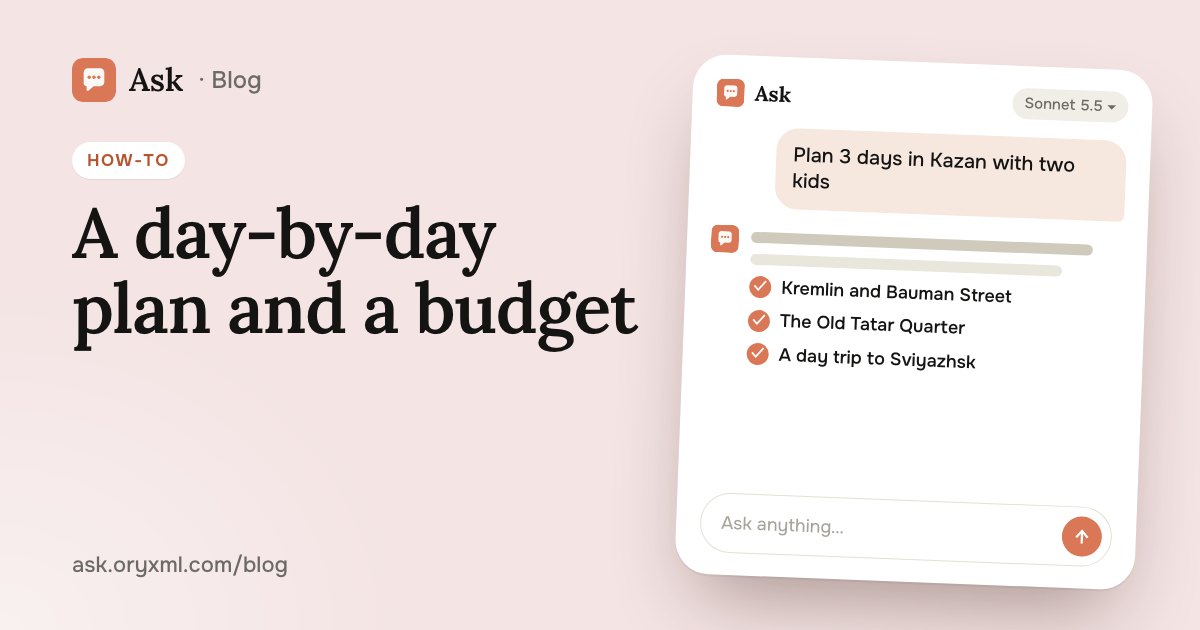
Try asking: We're going to Kazan for 3 days in July: two adults and kids aged 6 and 10. We arrive by train on Friday morning and leave Sunday evening. We like walking and good food, no more than one museum a day. Make a day-by-day route: morning, afternoon, evening, where to have lunch and how long it takes to get between places.
You'll get a skeleton like this:
- Day 1. The Kazan Kremlin and the Kul Sharif Mosque, lunch in the centre, Bauman Street in the evening.
- Day 2. The Old Tatar Quarter, the chak-chak museum, a park or the embankment in the afternoon.
- Day 3. A trip to Sviyazhsk or the Raifa Monastery, back for the train.
Then it's easy to adjust: “the younger one gets tired after lunch, add a rest”, “swap the museum for something active”, “what if it rains all day”.
For Saint Petersburg, ask the same with the city's twists: what to see in the Hermitage in two hours with a child, where and when to watch the bridges open, whether Peterhof is worth it before the fountains are on. Seasonal things are the most important to check.
A trip budget in a table
The second common task is working out what the trip will cost.
Try asking: Make a budget table for this trip: item, rough cost for our family, comment. And separately, where we can save.
The AI breaks the costs into rows:
| Item | What to check |
|---|---|
| Getting there | Ticket prices for your dates, children's fares |
| Accommodation | Price per night, breakfast, distance to the centre |
| Food | How many meals a day you eat out |
| Museum tickets | Child and family tickets, free days |
| Local transport | Taxi, metro, sightseeing buses |
| Excursions | Sviyazhsk, a river cruise, group tours |
| Buffer | Souvenirs and the unexpected |
The amounts in such a table are estimates. Look up real prices for your dates on the carriers' and hotels' sites and fill them in yourself. You can ask for the table as an Excel file; more in spreadsheets with AI.
What to pack
A packing list is something AI does especially well when it knows the details.
Try asking: Make a packing list for 3 days in Kazan in July, with kids aged 6 and 10, travelling by train. Split it into documents, clothes, first aid, things for the kids and things for the train.
Ask it to flag what's easy to forget: chargers, the children's birth certificates for the train, hats, a headscarf for visiting churches and mosques. Talk to your paediatrician about medicines for the children, especially if a child takes something regularly.
Check before you go
An AI can be wrong or miss recent changes. When a question needs current facts, Ask searches the web, but still check official websites before the trip:
- Opening hours and closed days. Many museums close on Mondays, and holidays change schedules.
- Prices and tickets. Whether to buy in advance, whether there are timed entries.
- Rules. Dress codes in churches and mosques, what you can't bring in, age limits for tours.
- Seasons. Fountains, river boats and bridge openings don't run all year.
- Travel between places. Check the time on a map for your day and hour.
Ask the AI to end the plan with a list of what to check and on which site.
Common mistakes
- Too packed. Five sights a day look fine on paper, but with kids everyone's tired by lunch. Ask for spare time.
- No backup. Rain, a closed museum, a queue: give every day a plan B.
- Not thinking about where to stay. Ask which area is most convenient for your route.
For phrasing questions so the first answer is already useful, see how to ask AI. In Ask you can send the finished route to your travel companions as a link, and get on with packing.
Frequently asked questions
Can I trust AI with opening hours and prices?
Can AI buy tickets or book a hotel for me?
How do I make a route that works for kids?
How do I keep the route handy during the trip?
Try it on your own task
Your first answer arrives in seconds. No VPN, no password, and there’s a free plan.
Ask for freeKeep reading
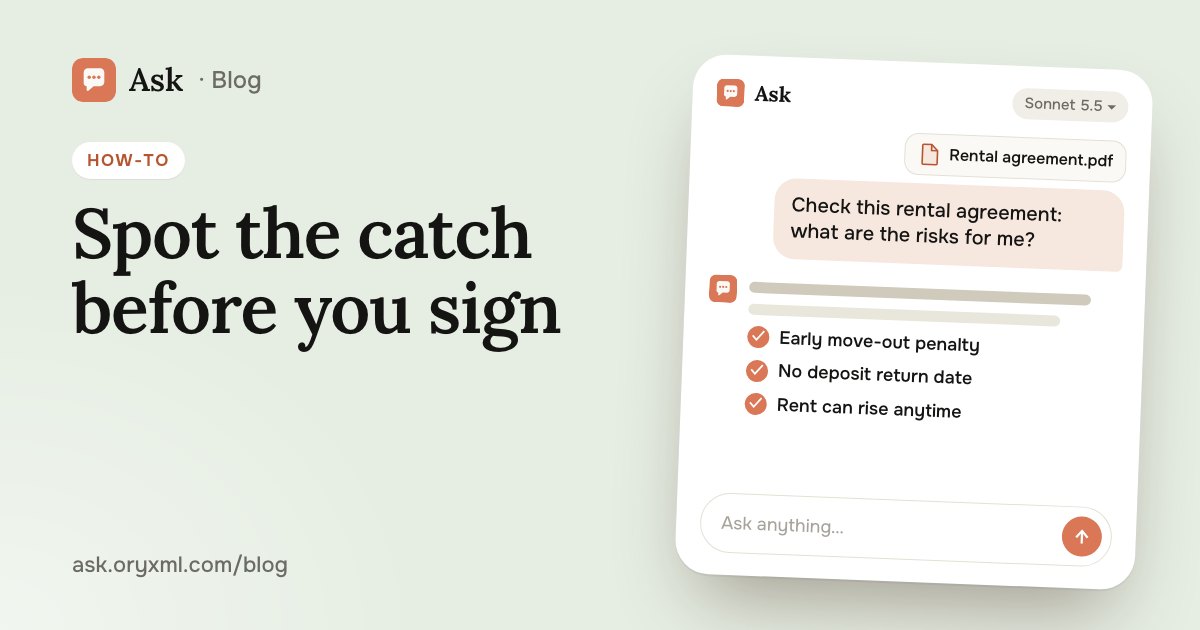
How to check a contract with AI: a step-by-step guide
Check a rental, employment, purchase or service contract with AI: what to ask about penalties, termination and hidden payments, and what AI can't replace.
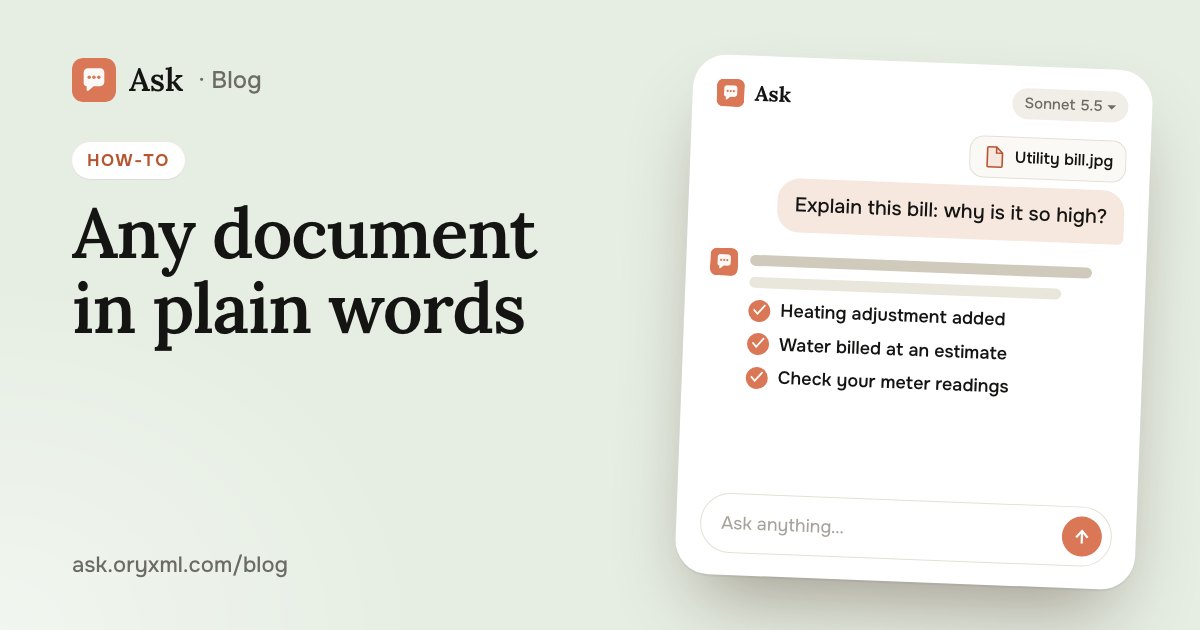
Explain a document from a photo with AI: bills, letters, lab results
Photograph a utility bill, bank statement, manual, official letter or lab results, and AI explains it in plain words. How to shoot it and what to cover first.
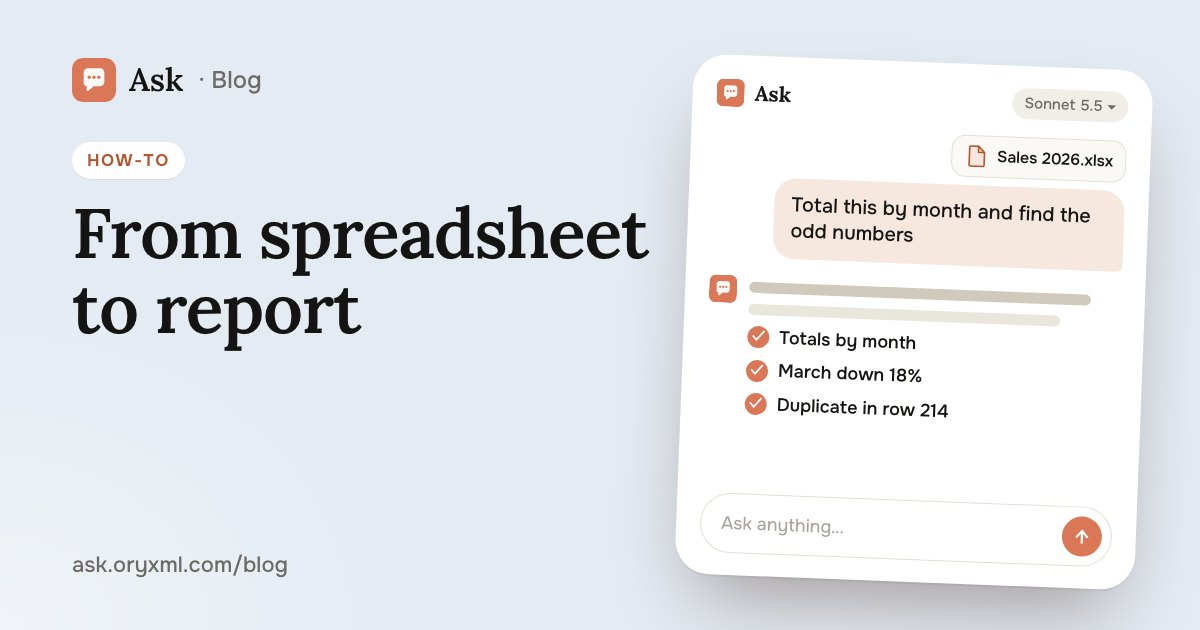
AI for Excel: how to analyse spreadsheets and write reports
Analyse an Excel spreadsheet with AI: totals, trends, outliers, a summary for your boss, VLOOKUP, XLOOKUP and SUMIF explained, data cleaning and what to check.