 Ask
Explain a document from a photo with AI: bills, letters, lab results
Contents
Utility bills, bank statements, letters from the tax office and lab result forms are often written so you'd need a translator. Take a photo and an AI explains it in plain words: what matters, what to check and what to do next.
If you don't understand your own bill, it isn't you: these documents really are confusing. Asking “what is this line?” is nothing to be embarrassed about; that's exactly what this is for.
How to shoot it, and what to cover
Half the result depends on the shot.
- Lay the document flat on a dark table and smooth it out.
- Shoot from above, in daylight, without the flash (it causes glare).
- Get the whole page in the frame, including the small print at the bottom.
- For several pages, one photo per page. In Ask you can attach up to 5 files to a message; if you have a PDF, send that.
A good first step: ask the AI to transcribe the text from the photo. You'll see at once whether the numbers were read correctly.
An explanation almost never needs your personal details. Before shooting, cover with a slip of paper, or blur on a screenshot:
- card and account numbers;
- passport and ID numbers, tax numbers;
- signatures, payment codes and QR codes;
- other people's names, if the document isn't only about you.
Chats in Ask are encrypted with your account's key (more in signing in without a password), but the rule is simple: send only what the question needs.
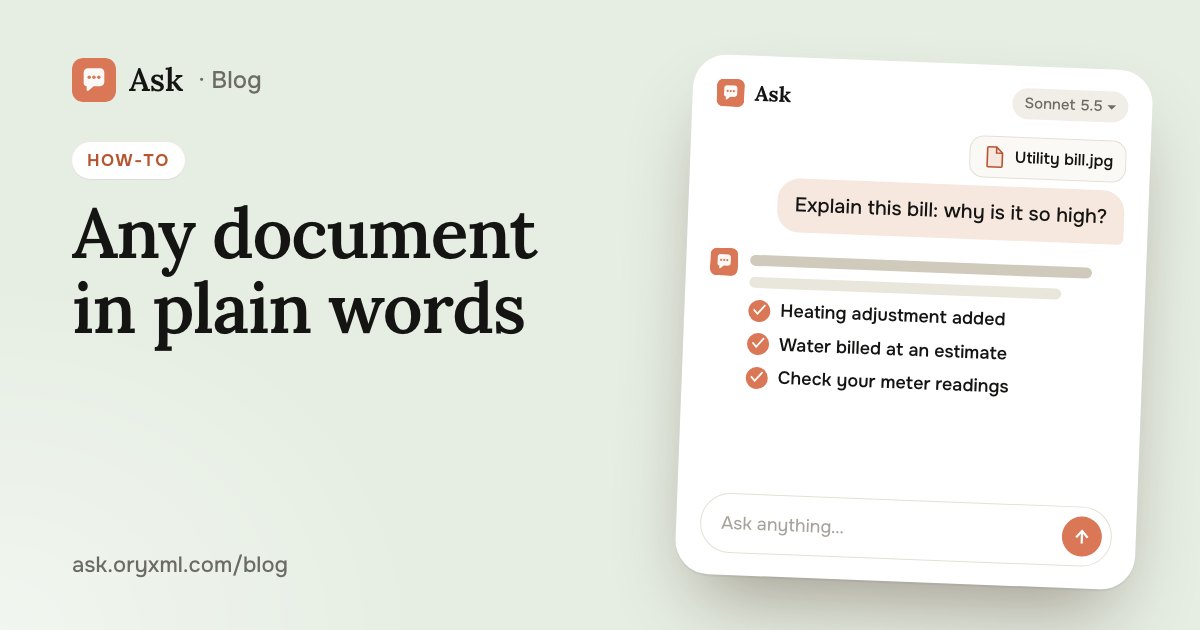
A utility bill
The most common case: the total is higher than usual and you don't know why.
Try asking: Explain this utility bill in plain words. What does each line mean? Why is heating higher than last month? I'm attaching both bills.
The AI goes through the lines (building maintenance, metered and estimated water, heating, repair fund, adjustments) and suggests what to check:
- whether your meter readings were counted correctly;
- whether you were charged an estimate instead of the meter;
- where an adjustment or arrears came from;
- whether the flat's area and number of residents are right.
If you find a mistake, the next step is the management company. You can draft that letter with AI too: see complaint letters with AI.
A bank statement
A month's statement is dozens of lines with cryptic shop names.
Try asking: Here's my card statement for October (PDF). Group spending by category, find recurring payments, and flag lines that look odd or repeat.
It's an easy way to spot a forgotten auto-payment, a double charge or a fee. If the statement is in Excel, the AI can build a summary table; more in spreadsheets with AI. Ask your bank about any charge you don't recognise: the AI sees only the line, not the transaction itself.
An appliance manual
The washing machine shows an error code, and the manual is forty pages long.
Try asking: My washing machine shows error E21. Here's a photo of the display and the manual's error table. What does it mean, and what can I check myself before calling a repair person?
The AI finds the right row, translates it and suggests safe steps: check the filter, the hose, restart. Leave anything involving electricity, gas or opening the casing to a professional.
A letter from an office
A letter from the tax office, a court or bailiffs is scary from the envelope alone. The AI helps you see the point:
Try asking: I got this letter from the tax office (photo). Explain in plain words what they want from me, by when, and what happens if I don't reply.
Ask it to list deadlines, amounts and whom to contact separately. But if it's about a debt, a fine or a court case, check the essentials with a lawyer or the office itself: the AI can be wrong, and deadlines matter. For contracts there's a separate guide: check a contract with AI.
Lab test results
A form full of abbreviations and arrows up and down is something you want to understand before seeing the doctor.
Try asking: Here's my complete blood count (photo). Explain what each value means, which are outside the reference range, and what questions to ask my doctor.
The AI explains what the values are and why they can shift. The honest part: it isn't a doctor. It doesn't see you or your history, it doesn't diagnose, and labs use different ranges. Discuss the results with your doctor. You'll just arrive with clear questions instead of worry.
What else you can explain this way
| Document | What to ask |
|---|---|
| A receipt or invoice | Does the total add up, any extra items? |
| A note from a clinic | What the abbreviations and terms mean |
| A warranty card | What's covered and for how long |
| A fine notice | What for, the deadline, any discount for paying early |
| A paper in a foreign language | A translation and the short version |
In Ask it all works from your phone: snap a photo, ask, and a few seconds later the document makes sense.
Frequently asked questions
Can I trust AI to explain my lab results?
Is it safe to send photos of documents?
Can AI read a handwritten or crumpled document?
How many documents can I send at once?
Try it on your own task
Your first answer arrives in seconds. No VPN, no password, and there’s a free plan.
Ask for freeKeep reading
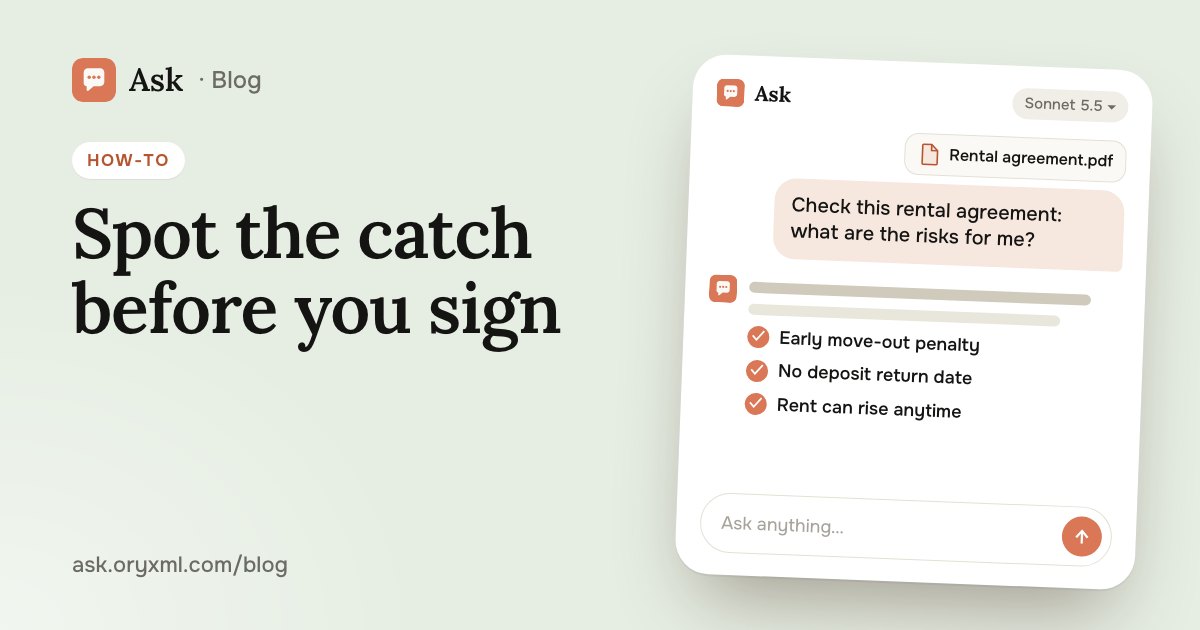
How to check a contract with AI: a step-by-step guide
Check a rental, employment, purchase or service contract with AI: what to ask about penalties, termination and hidden payments, and what AI can't replace.
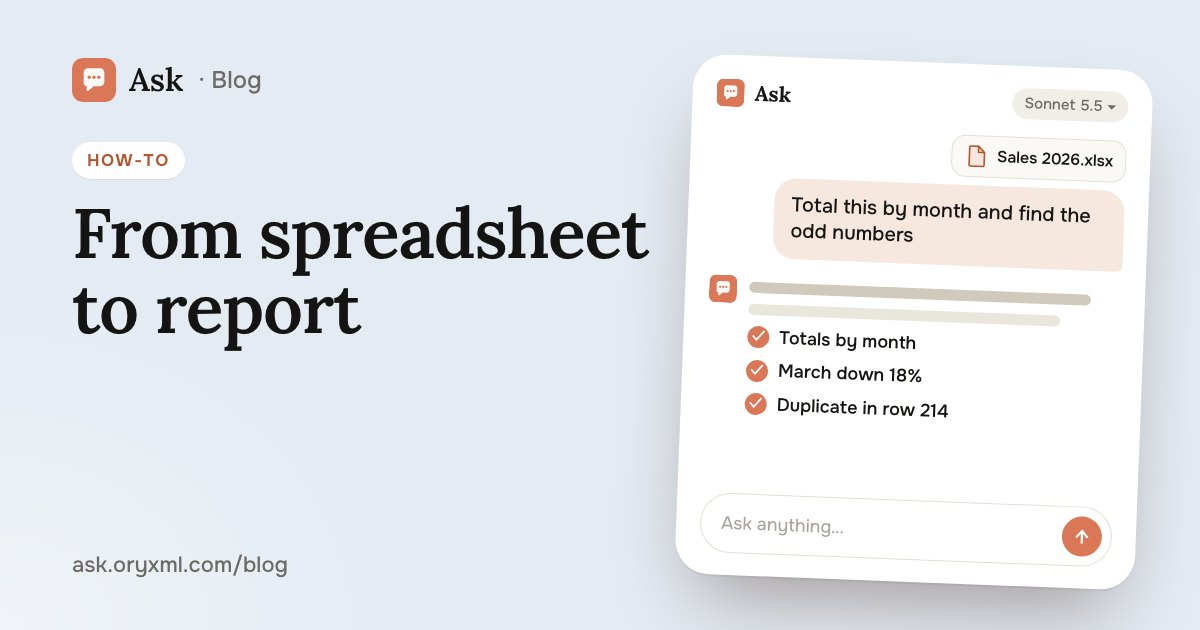
AI for Excel: how to analyse spreadsheets and write reports
Analyse an Excel spreadsheet with AI: totals, trends, outliers, a summary for your boss, VLOOKUP, XLOOKUP and SUMIF explained, data cleaning and what to check.
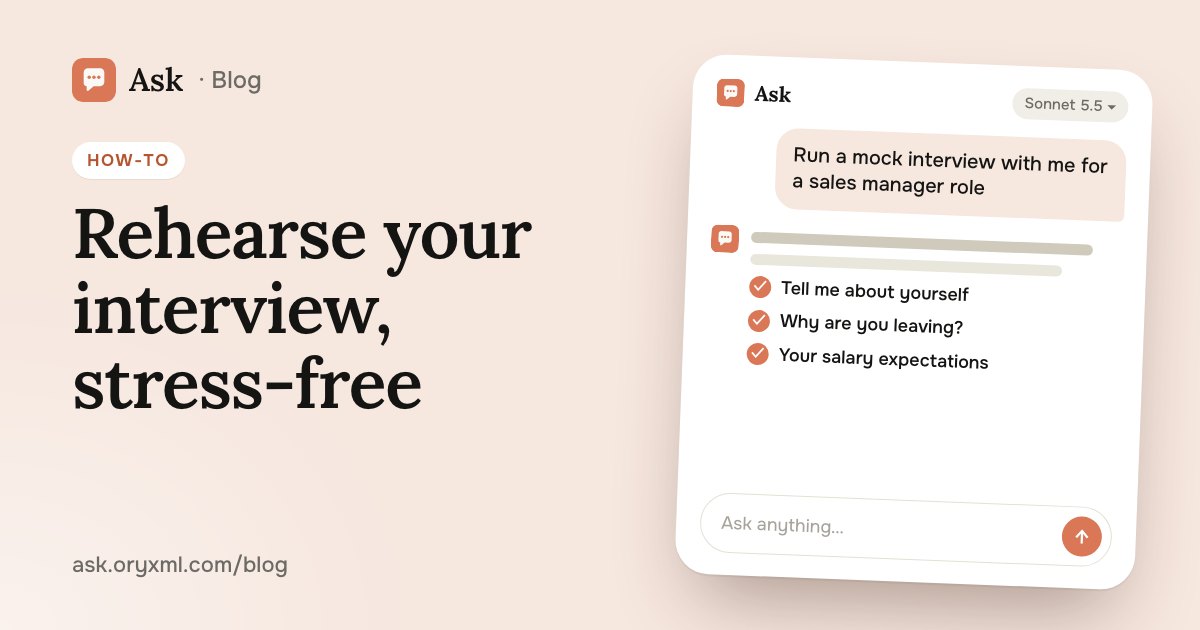
Job interview practice with AI: questions and a mock interview
Prepare for a job interview with AI: questions for your role, a mock interview with feedback, a strong tell me about yourself, salary talk and questions to ask.