 Ask
How to ask an AI so the answer is right: 9 techniques with examples
Contents
An AI answers exactly the question you asked. A vague question gets a generic answer; one with details gets a precise, useful one. Here are the nine techniques that change the result most, each with a weak and a strong version.
First, the quiet fear: “I’ll ask something stupid.” An AI doesn’t judge you and doesn’t tire of questions. Ask as often as you like, follow up, say “explain it more simply”: that’s normal work, not a sign you’re missing something.
1. Give it a role
A role tells it which angle to take and what language to use.
- Weak: “What should I say at the interview?”
- Strong:
Try asking: You’re an experienced recruiter at a tech company. I’m interviewing for a data analyst role. What questions would you ask, and what do you want to hear?
2. Give the context
The AI knows nothing about you: where you live, your experience, your budget. Say it.
- Weak: “Where should I go on holiday?”
- Strong:
Try asking: My husband, our 8-year-old son and I want 5 days away in May, by train from Moscow. We like walking and good food, museums in moderation. A mid-range budget. Suggest three cities and say why.
3. Show an example
If you know what the result should look like, show a sample: it beats any description.
- Weak: “Write a post for my salon.”
- Strong:
Try asking: Write a post for a beauty salon about a new service, brow lamination. Here’s our last post that did well: “…”. Use the same tone: warm, short, one emoji.
4. Ask for a format
A table, a list, a letter, three options: say what shape you want.
- Weak: “Compare these two phones.”
- Strong:
Try asking: Compare these two phones in a table: camera, battery, storage, weight, price. Under it, one paragraph: which to pick for an older person who mostly calls and looks at photos of the grandchildren.
5. Set constraints
Length, style, what not to do: constraints save rework.
- Weak: “Write a birthday message for a colleague.”
- Strong:
Try asking: Write a birthday message for my colleague Olga, for the team chat: 3–4 sentences, no poems, no “health and happiness”. She loves the mountains and has just become head of the department.
6. Ask it to work step by step
For calculations and logic, ask it to show the working: fewer mistakes, and you can spot the ones left.
- Weak: “How much extra will I pay on my loan?”
- Strong:
Try asking: A loan of 800,000 ₽ over 3 years at 18% a year, equal payments. Work it out step by step: the monthly payment, the total and the overpayment. Show the formula so I can check it.
For money, health and law, still check the result with a professional or an official calculator.
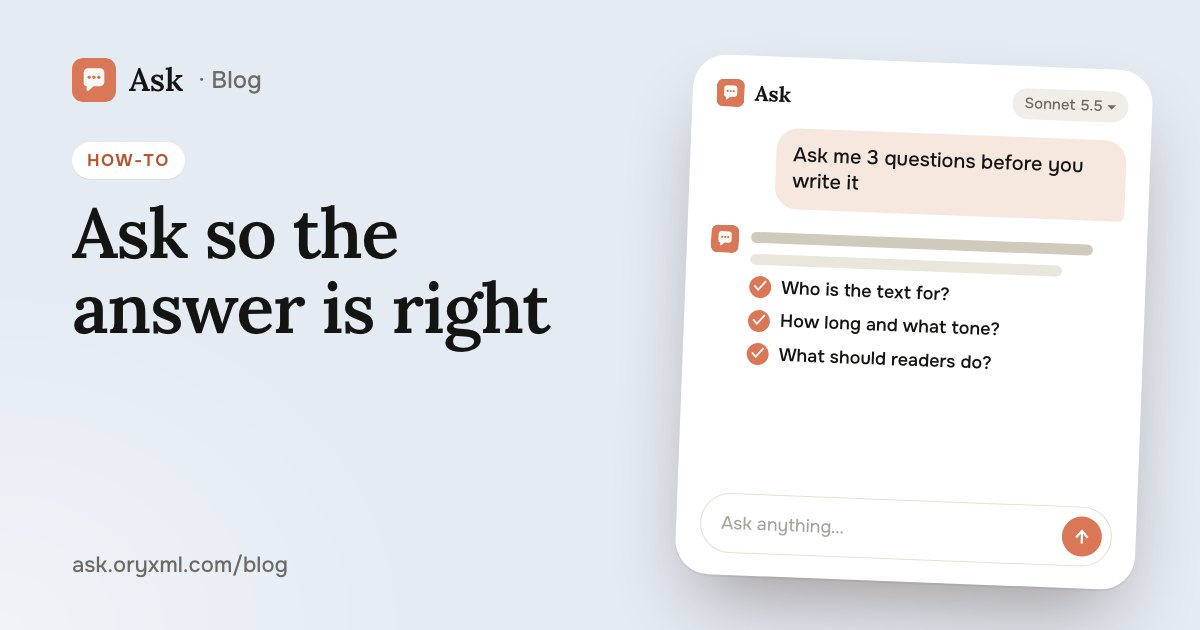
7. Ask it to ask you questions
If the task is big and you don’t know what matters, let the AI ask.
- Weak: “Write me a business plan.”
- Strong:
Try asking: I want to open a small bakery. Before writing a plan, ask me the 7–10 questions you need answered. One at a time.
8. Refine instead of starting over
The first answer is a draft. Instead of a new chat, say what to change right in that chat.
- Weak: delete the answer and ask the same thing in other words.
- Strong:
Try asking: Good, but too formal. Shorten the second paragraph, drop “Dear Sir” and end with a question to the client.
On Free each question is answered on its own, so paste the previous answer into your new message along with the changes.
9. Check the facts
An AI can be confidently wrong: mix up a date, invent a quote or a law. Ask where the information comes from and check what matters.
- Weak: copy the numbers from the answer straight into a report.
- Strong:
Try asking: Search the web for the current rules on returning goods of proper quality in Russia and give me links to the sources. Mark anything you’re unsure of.
When a question needs current facts, Ask searches the web. But make decisions about contracts, health and money together with a professional: more in checking a contract with AI.
Cheat sheet: all in one question
You don’t need every technique at once. Three usually do it: context, task, format.
| Part | Example |
|---|---|
| Role | You’re an experienced editor |
| Context | I’m writing to the building management about a roof leak |
| Task | Make the letter polite but firm |
| Format | Under 150 words, with a subject line |
| Constraints | No threats, mention the date of my first report |
Common mistakes
- Too short. “Write a CV”: the AI knows neither your job nor your experience. Three extra sentences about yourself save five rewrites.
- Several tasks in one question. “Check the contract, draft a letter and work out the penalty” is better as three messages.
- Arguing instead of refining. If the answer misses, don’t write “you didn’t get it”. Say what’s missing: “I need a version for a 10-year-old, not an adult.”
- Blind trust. A well-written answer isn’t necessarily a right one. The bigger the decision, the closer the check.
Two more tips
- Match the model to the task. A fast model suits quick, simple questions; a stronger one suits hard analysis. In Ask you switch models in the menu under the message box, even mid-conversation. How to choose: which AI model.
- Attach files. Instead of retelling a contract or spreadsheet, attach it, up to 5 files at once. That’s also how you make a presentation from your own report.
Take the last question you asked an AI and rewrite it with these techniques: you’ll see the difference in the answer straight away.
Frequently asked questions
Do I need to learn special commands?
Why are the AI’s answers so generic?
What if the answer is wrong?
Can I ask by voice?
Try it on your own task
Your first answer arrives in seconds. No VPN, no password, and there’s a free plan.
Ask for freeKeep reading
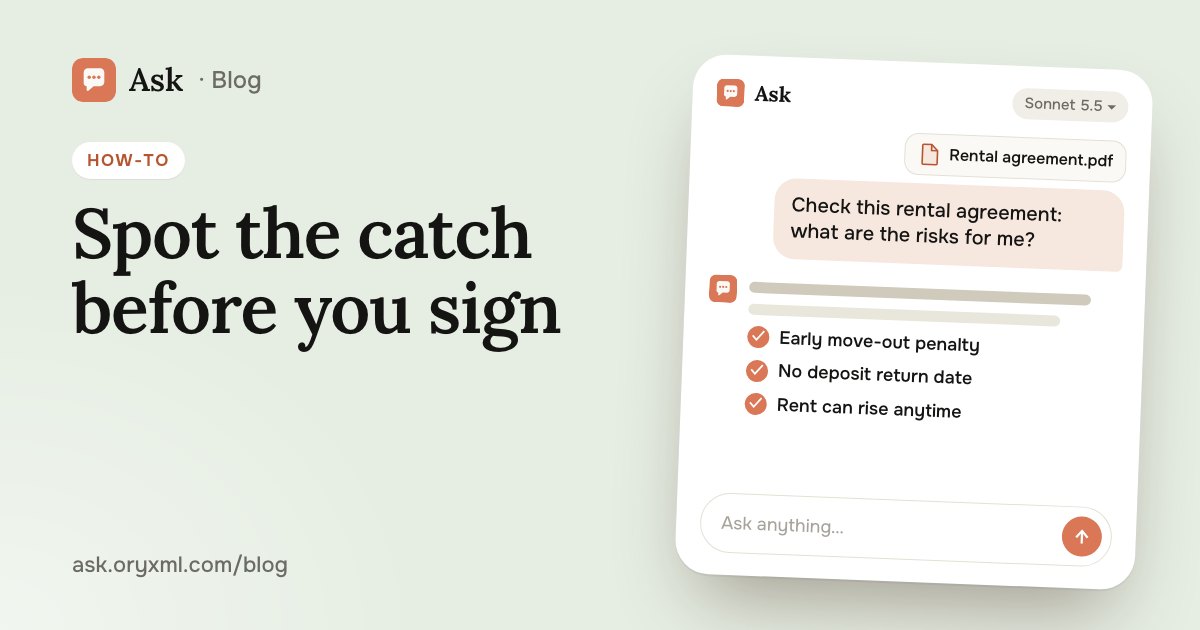
How to check a contract with AI: a step-by-step guide
Check a rental, employment, purchase or service contract with AI: what to ask about penalties, termination and hidden payments, and what AI can't replace.
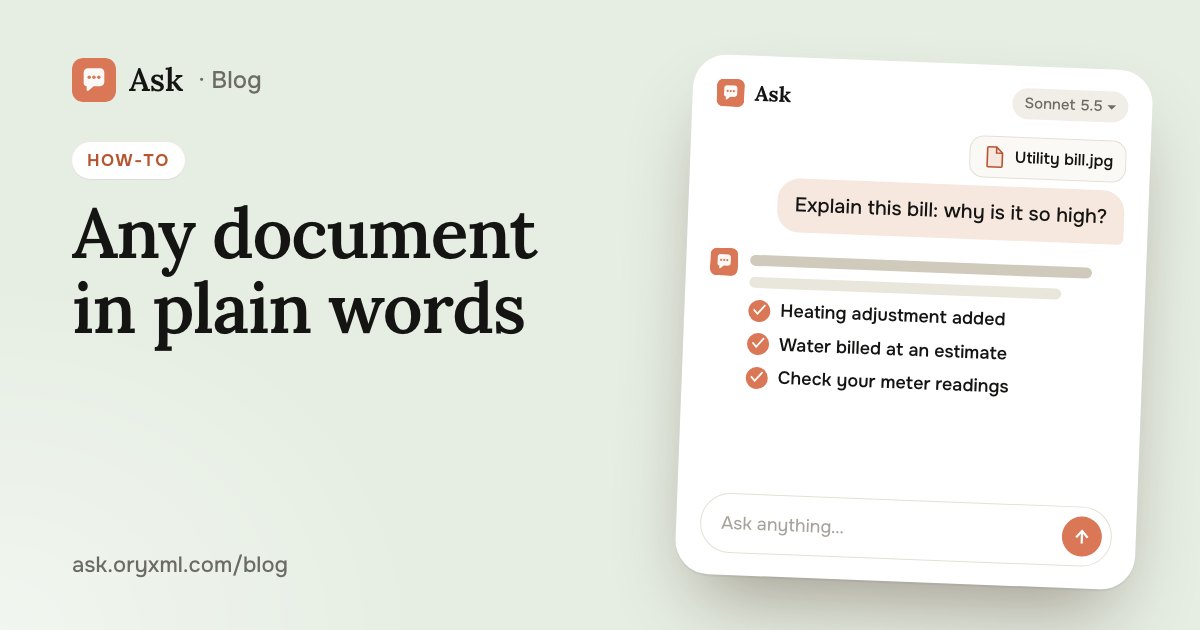
Explain a document from a photo with AI: bills, letters, lab results
Photograph a utility bill, bank statement, manual, official letter or lab results, and AI explains it in plain words. How to shoot it and what to cover first.
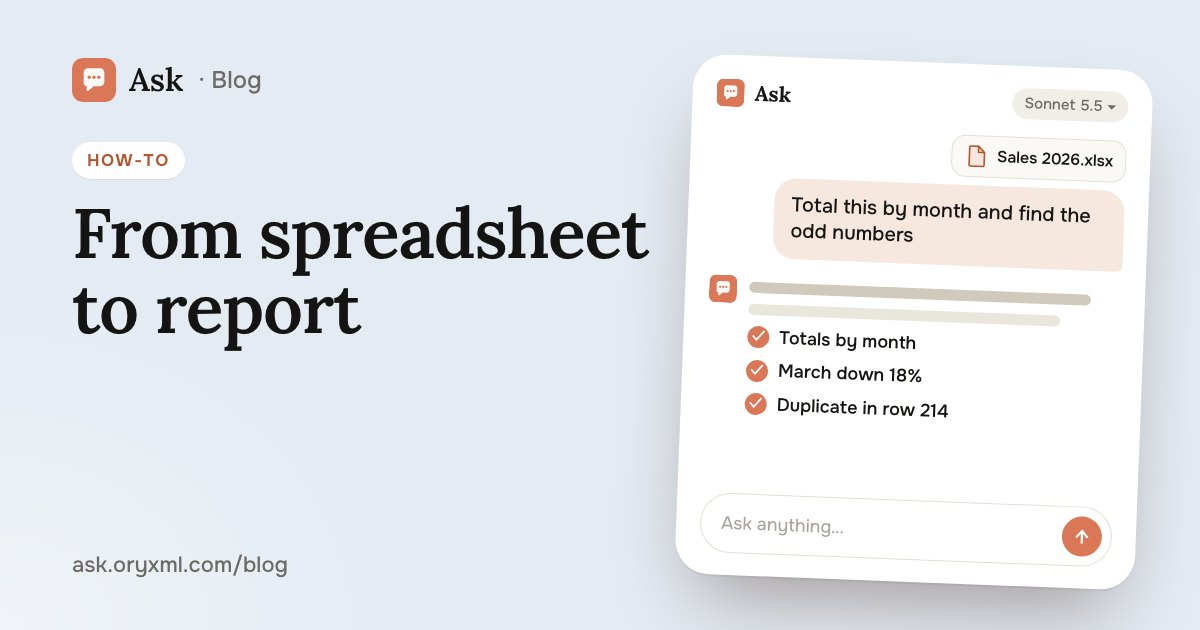
AI for Excel: how to analyse spreadsheets and write reports
Analyse an Excel spreadsheet with AI: totals, trends, outliers, a summary for your boss, VLOOKUP, XLOOKUP and SUMIF explained, data cleaning and what to check.