 Ask
Sign in without a password: how Ask protects your chats
Contents
Passwords get forgotten, leaked and guessed, and you don't always want to hand over an email just to sign up. Ask has neither: you sign in with Face ID or a fingerprint, and your chats are encrypted with your own account's key. Here's how it works, and what to do if you change phones.
Why no password is safer, not just easier
Signing in "with a finger" can feel flimsy, as if security was traded for convenience. It's the other way round. Ask uses passkeys, a sign-in method built into modern phones and computers:
- The key lives on your device. It can't be shoulder-surfed, read out to a scammer on the phone, or typed into a fake site.
- There's no password to steal from a database. No password means none to show up in a leaked list.
- It unlocks with your Face ID, fingerprint or screen lock. Without your phone, and you, it's useless.
And there's no password to invent and forget, and no email to collect newsletters.
Signing in: phone, computer, new device
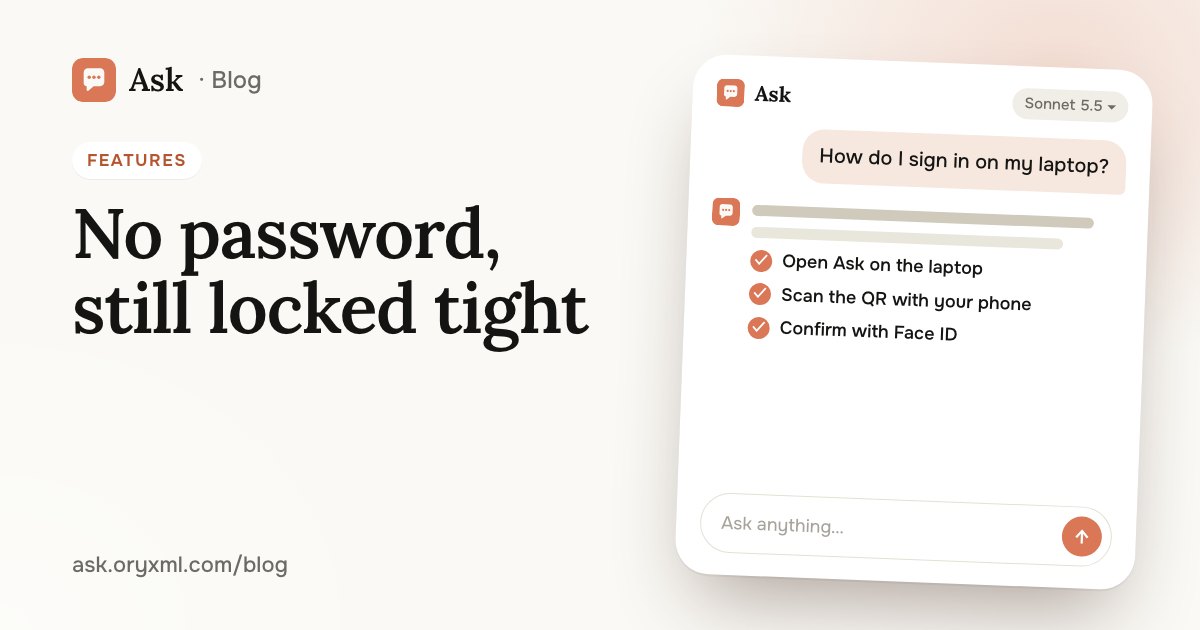
On your phone. Open Ask and confirm with Face ID, a fingerprint or your screen lock. One tap.
On a computer. The sign-in screen shows a QR code. Scan it with the phone you're already signed in on, and the computer joins the same account. Ask in the terminal, for code, signs in the same way.
On a new device. That's what the backup code is for. Keep it safe in advance:
- Write it on paper and keep it with your important documents, or save it in protected notes.
- Don't send it in a messenger or leave it in an unprotected cloud folder.
- When you change phones, sign in on the new one with that code.
Most people put this off until their old phone breaks. A minute now saves a lot of stress later.
What happens to your chats
- Chats are encrypted with your own account's key. Every account has its own.
- Code projects and the pictures you make stay on your device. If a picture matters, save it to your gallery or a folder.
- Support conversations are deleted 14 days after they start.
A quiet worry stops many people: "What if someone reads what I ask the AI and laughs?" Questions about health, money, relationships or work are normal questions, and you can ask them calmly. Your chats aren't published or visible to other people unless you share a link yourself.
Share only what you choose
Sometimes you want to show an answer to a friend or a colleague. In Ask you can:
- send a link to one answer, and the rest of the chat stays private;
- send a link to a whole chat, when the whole conversation matters;
- share a Home Design project by link.
Whatever you don't share stays yours. Before sending a whole chat, scroll through it to make sure there's nothing you'd rather keep to yourself.
Habits that protect you better than any setting
Even with a secure service, a few rules help — with Ask and with any other AI:
- Never paste passwords, SMS codes or full card numbers into a chat. No AI task needs them.
- Trim documents. To check a rental contract, the AI doesn't need your passport number: cover it on the photo or replace it with "XXXX".
- Scan a sign-in QR code only from your own screen. If someone sends you a QR code and asks you to scan it "to verify" or "for a bonus", don't: that could sign their computer into your account.
- Keep it general when in doubt. "A colleague" instead of a name, "a flat in Moscow" instead of an address.
Try asking: Here's a photo of my rental contract with my passport details covered. Check for clauses that are unfair to the tenant.
More on documents in check a contract with AI and explain a document from a photo. And for important legal or money decisions, treat an AI's answer as a way to understand the issue, not a replacement for a specialist.
If you use API keys
If you connect Ask to your own programs (Account → API keys), treat a key like your banking password: it gives access to your plan.
- Never publish a key in open code, on forums or in screenshots.
- Keep it in the program's settings or a secure store, not in a shared document.
- If a key may have leaked, delete it in Account and make a new one.
Deleting your account
If you decide to leave, delete your account in Account. That erases:
- all your chats;
- your API keys;
- your usage history.
Before you delete it, save anything you might need: important answers, pictures, Code projects.
If something goes wrong
Can't sign in, lost your backup code, or have a question about your data? Contact support: side menu → Support, or support@ask.oryxml.com.
For everything Ask can do, see what Ask can do; to get started without a VPN, see AI without a VPN.
Frequently asked questions
How do I sign in to Ask without a password?
What if I get a new phone?
Can anyone see my chats?
How do I delete my account and data?
Try it on your own task
Your first answer arrives in seconds. No VPN, no password, and there’s a free plan.
Ask for freeKeep reading
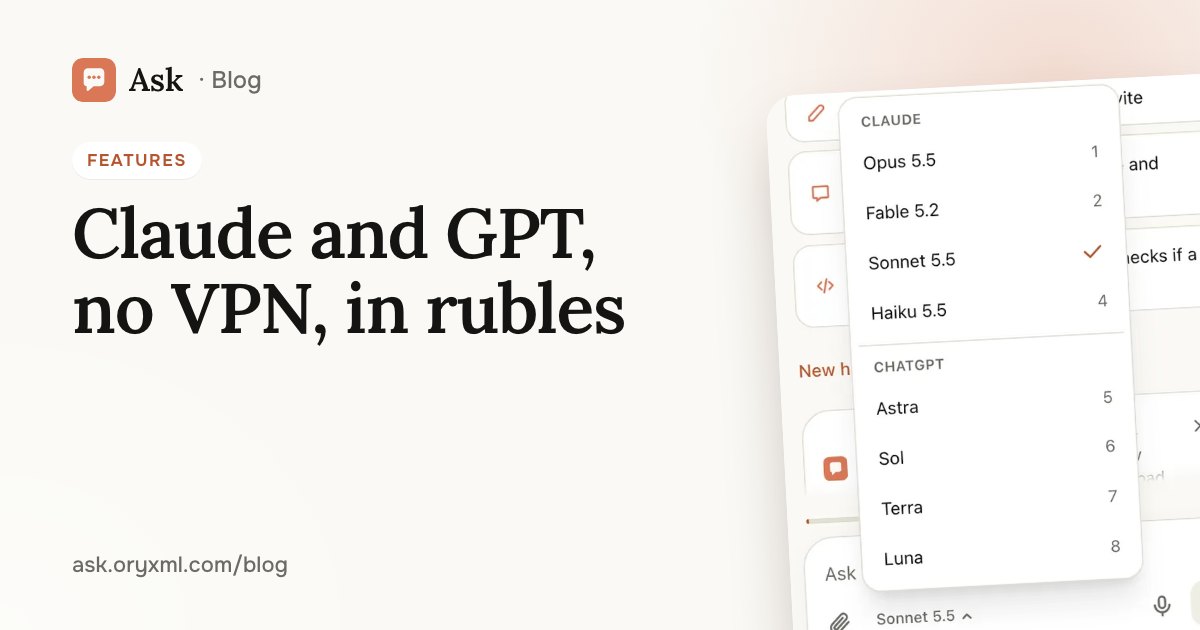
AI without a VPN in Russia: Claude and GPT, paid in rubles
How to use Claude and GPT / Codex in Russia without a VPN or a foreign card: open the site, sign in without a password, pay in rubles, install it as an app.
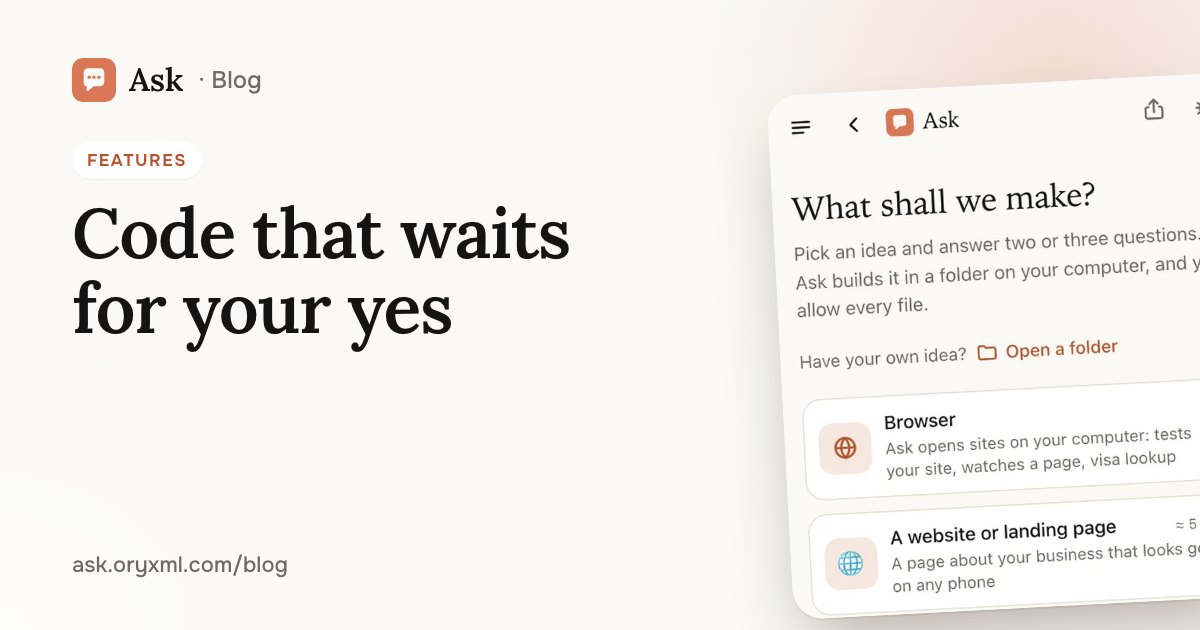
AI that writes code in your folder: sites and tools, no experience
How Ask builds a website, a landing page or a simple tool in a folder on your computer, in the browser or the terminal, with every step waiting for your yes.
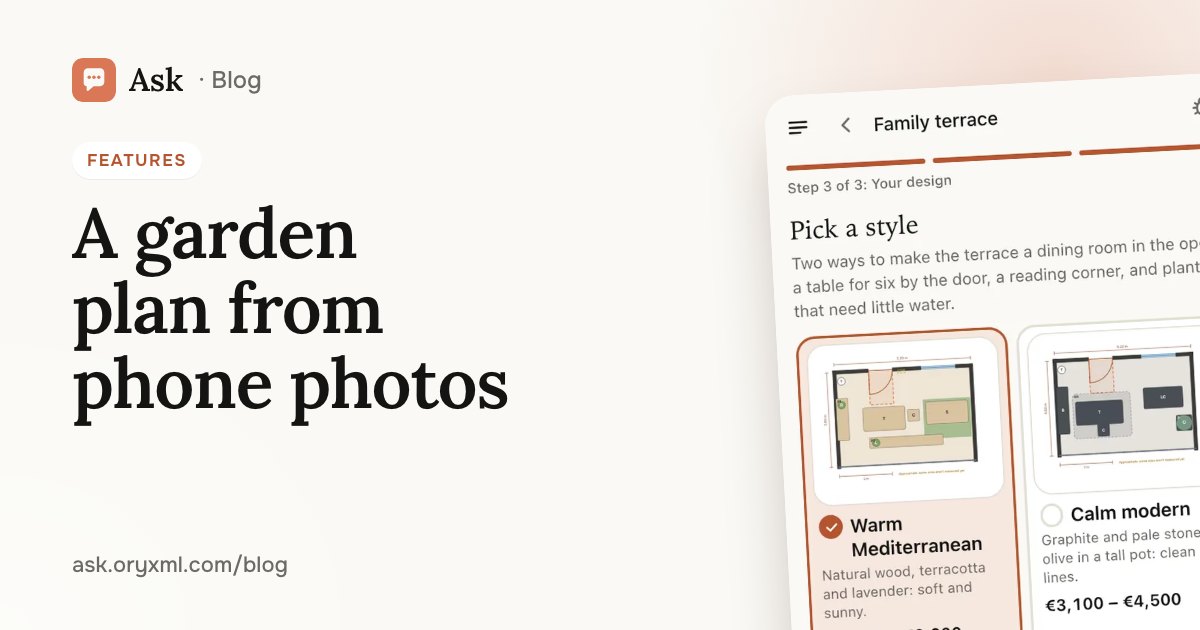
Garden, balcony or room design from photos: a plan made with AI
How to get a plan for a garden, terrace, balcony or room from phone photos and a few tape measurements: what to shoot, what to measure and what you get.