 Ask
Which AI model to pick in Ask: for writing, code and analysis
Contents
Ask's menu has eight models, and it's easy to feel lost: which is best for a letter, which for a spreadsheet, which for a tricky contract? The good news is that most of the time you don't need to choose at all. Here are simple rules, a task-to-model table and tips on when to switch.
The short version
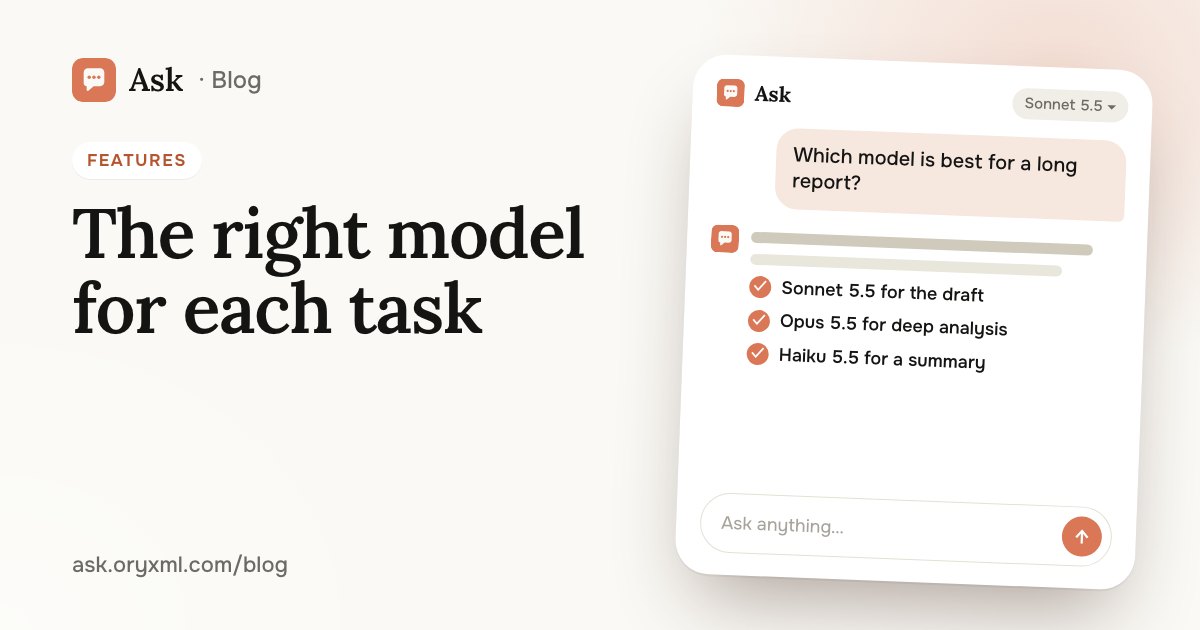
If you remember one thing: the default model, Sonnet 5.5, handles most tasks — questions, writing, documents and code. Change it in two cases:
- you want something fast and short — use Haiku 5.5 or Luna, the fastest;
- the task is long and complex, with lots of conditions — use one of the most capable: Opus 5.5, Fable 5.2, Astra or Sol (Pro and Max).
Plenty of people quietly worry that they don't understand the difference and will pick "the wrong one". You can't, really. Any model will answer, and if you don't like the answer, another model can give you its own in a couple of taps.
The models in Ask
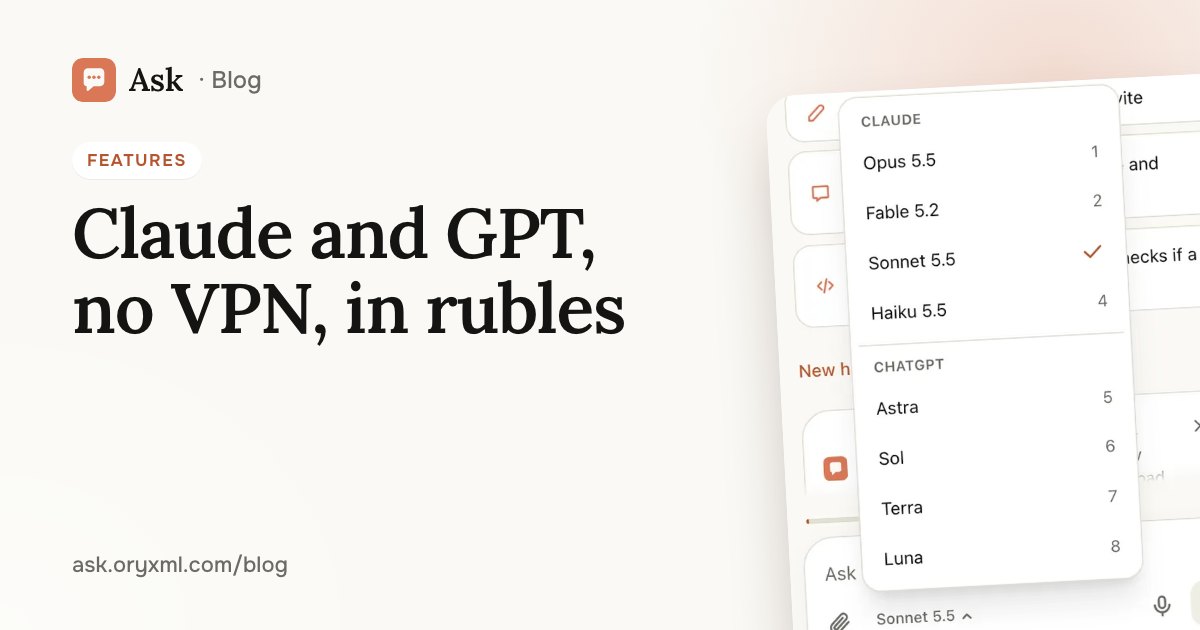
The model menu opens under the message box. It has two families:
| Family | Models |
|---|---|
| Claude | Fable 5.2, Opus 5.5, Sonnet 5.5, Haiku 5.5 |
| GPT / Codex | Astra, Sol, Terra, Luna |
DeepSeek, Gemini, Grok and others are coming and will appear in the same menu.
Which ones you get depends on your plan: Free has Haiku 5.5; Lite, Haiku 5.5 and Luna; Plus, Sonnet 5.5, Haiku 5.5, Terra and Luna; Pro and Max, all eight. More in Ask's plans explained.
Task → model
| Task | Start with | If you need more |
|---|---|---|
| A quick question: translate a phrase, scale a recipe, find a word | Haiku 5.5 or Luna | Sonnet 5.5 |
| A letter, a post, a greeting, a CV | Sonnet 5.5 | Opus 5.5 or Fable 5.2 |
| Make sense of a contract, a bill, a PDF report | Sonnet 5.5 | Opus 5.5, Fable 5.2, Astra or Sol |
| An Excel sheet: formulas, a summary, conclusions | Sonnet 5.5 | Astra or Sol |
| Studying: explain a topic, check a solution | Sonnet 5.5 | Opus 5.5 |
| Code: a site, a script, a change to a project | Sonnet 5.5 | Astra, Sol, Opus 5.5 or Fable 5.2 |
| A second view on the same problem | Sonnet 5.5 | Terra or Luna, from the other family |
| A long, hard task with many conditions | Opus 5.5, Fable 5.2, Astra or Sol | — |
Treat this as a starting point, not a rulebook. Models at the same level differ in style: one is drier, another more detailed. The easiest way to find your favourite is to try them on your own task.
Try asking: Here's our quarterly report as a PDF. List the three main takeaways and the one number I should worry about.
When to switch mid-chat
You can change the model at any time without starting over: open the menu under the message box, pick another, and keep going. It helps when:
- The answer is too shallow. Switch to a more capable model and ask: "Go deeper, with examples."
- You need a quick small thing in the middle of big work. Say you're deep in a report and just need a heading translated: switch to Haiku 5.5 or Luna, then switch back.
- You want a second opinion. Ask a model from the other family the same question and compare. If they agree, that's a good sign; if they don't, refine the question or check with a specialist.
- The model is going in circles. Sometimes an AI keeps suggesting the same thing. Another model often looks at it with fresh eyes.
Try asking: The last answer didn't work for me. Suggest three completely different names for a coffee shop near a metro station.
Compare them yourself
The best way to feel the difference is to give two models the same job:
- Take a real question from your life, one whose answer you actually need.
- Ask the default model.
- Switch to another model and ask it to answer the same question again.
- Compare: which is more accurate, clearer, closer to what you wanted?
After a few rounds you'll know which model you like for letters and which for numbers. To get better answers from any of them, see how to ask AI.
Common mistakes
- Always using the most capable model. For a simple question there's no need: a fast model answers just as well, and sooner.
- Switching models instead of clarifying. A weak answer usually means the model was missing details. Add context first, then try another model.
- Taking any model at its word. Even the most capable AI can be wrong. Check numbers, dates, legal and medical points, and see a specialist for anything important.
If a model is unavailable
Now and then the model you picked may be unavailable for a moment. Ask then hands your question to the next most capable model on your plan, with no error — you just get your answer. Nothing to do on your side.
New to Ask? Start with what Ask can do, then open the menu under the message box and try two models on the same question.
Frequently asked questions
Which model should I use if I'm not sure?
Can I switch models mid-conversation?
What happens if the model I picked is unavailable?
Which models are on my plan?
Try it on your own task
Your first answer arrives in seconds. No VPN, no password, and there’s a free plan.
Ask for freeKeep reading
AI without a VPN in Russia: Claude and GPT, paid in rubles
How to use Claude and GPT / Codex in Russia without a VPN or a foreign card: open the site, sign in without a password, pay in rubles, install it as an app.
AI that writes code in your folder: sites and tools, no experience
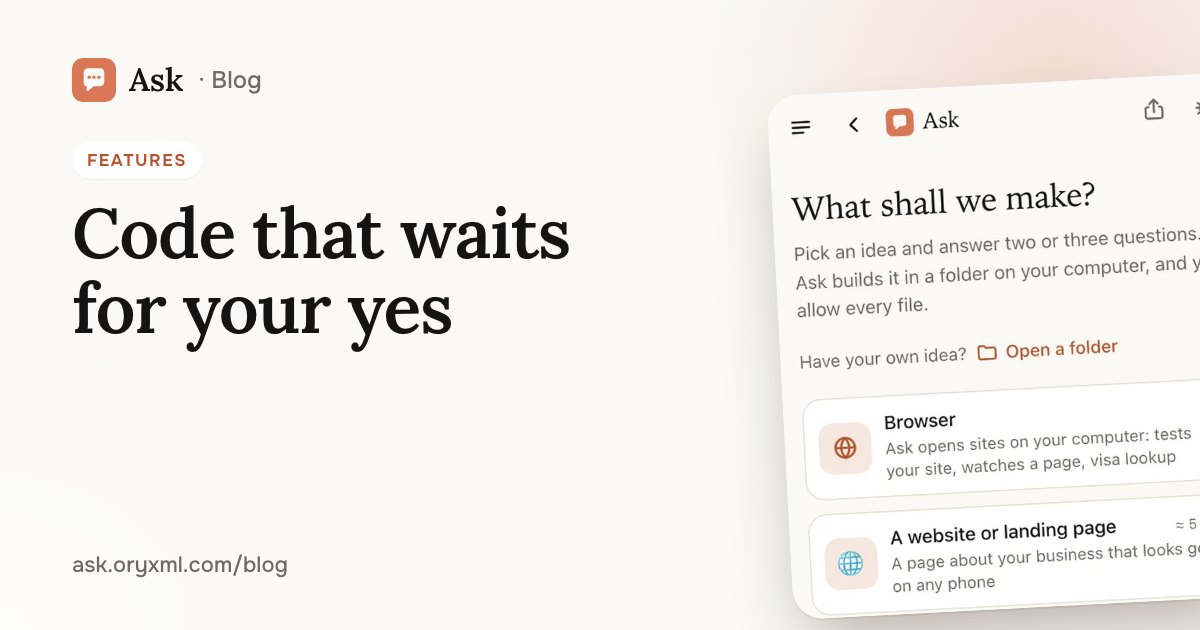
How Ask builds a website, a landing page or a simple tool in a folder on your computer, in the browser or the terminal, with every step waiting for your yes.
Garden, balcony or room design from photos: a plan made with AI
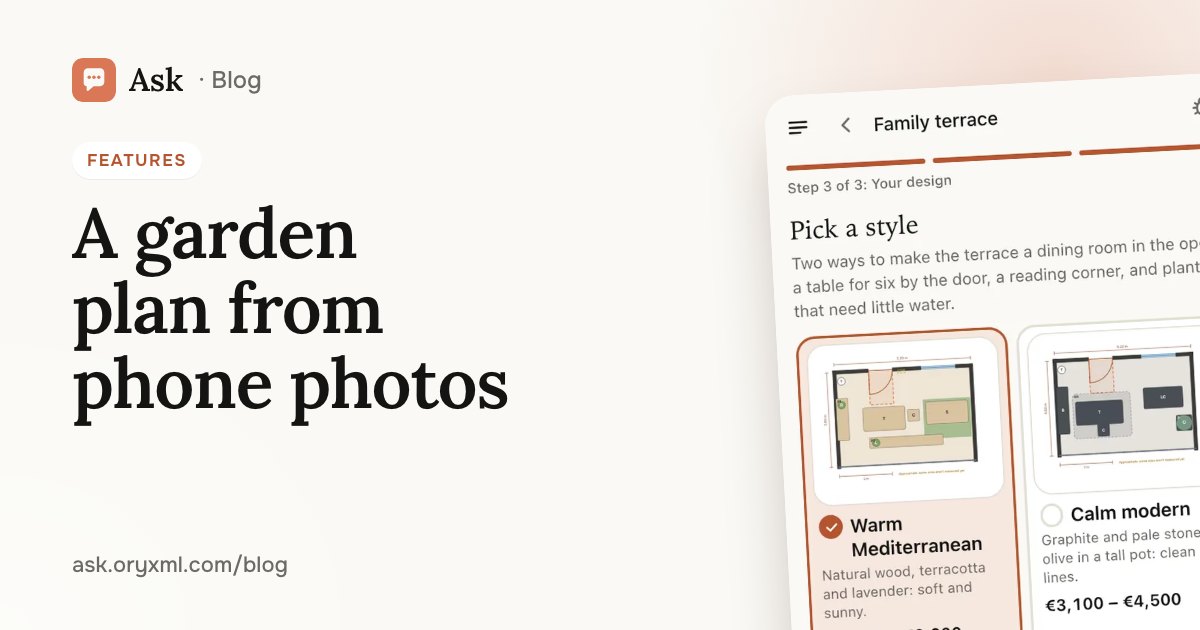
How to get a plan for a garden, terrace, balcony or room from phone photos and a few tape measurements: what to shoot, what to measure and what you get.