 Ask
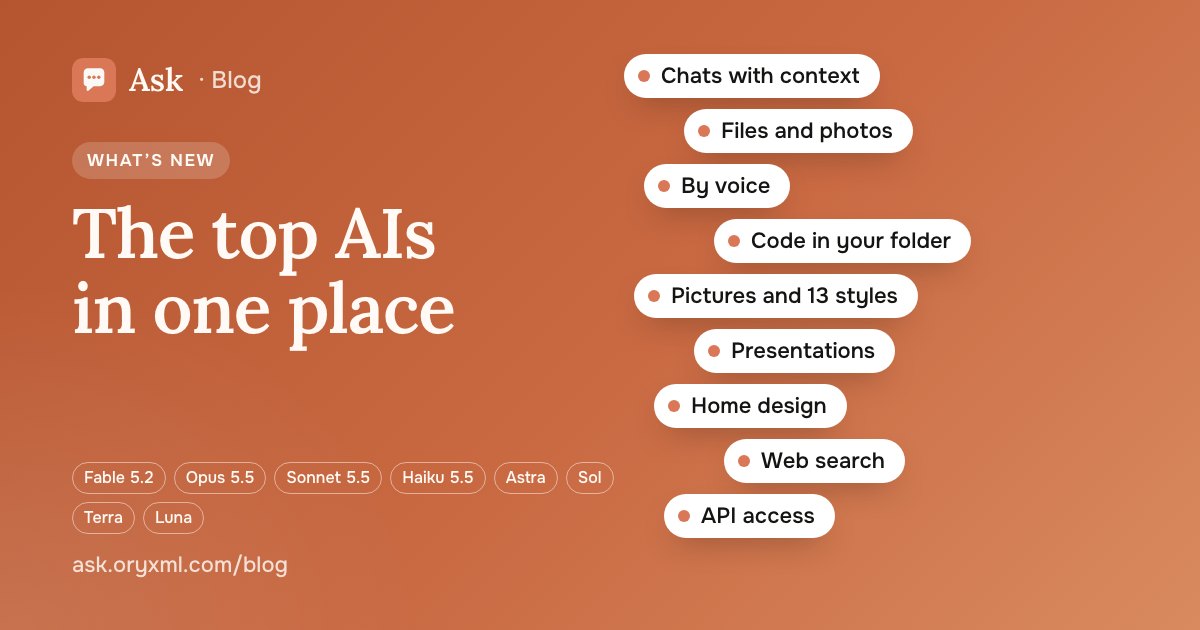
What Ask can do: Claude and GPT / Codex in one app, no VPN
Contents
Ask puts the leading AI models in one app: ask in text, by voice or with a file, and get an answer in seconds. It works in Russia without a VPN, you pay in rubles, and you sign in without a password. Here is everything Ask does as of 19 November 2026, grouped by what people usually want to get done.
Ask, write, make sense of a document
The heart of Ask is the chat. Write your question the way you'd ask a colleague, get a clear answer, and keep going.
What else the chat does:
- Voice. Speak your question instead of typing it.
- Web search. When a question needs current facts — timetables, news, rules that changed — Ask searches the web.
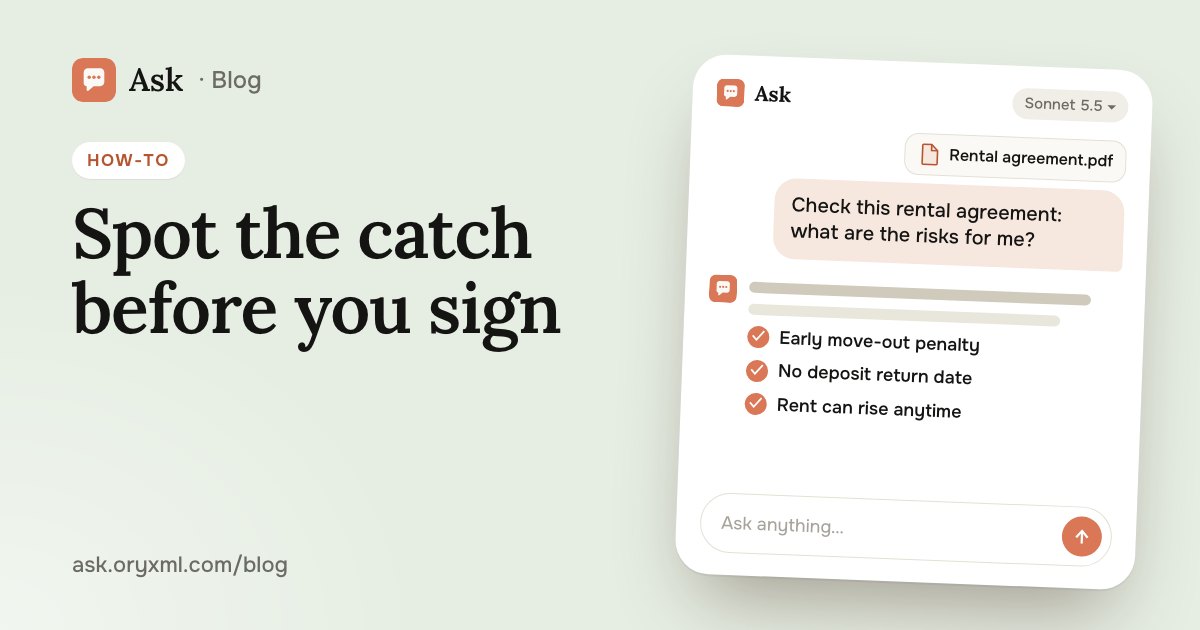
- Files. Up to 5 files a message: photos, screenshots, PDFs, Word, Excel, PowerPoint and text. Ask reads a contract, an invoice, a spreadsheet or a report and explains it in plain words.
- Works in the background. Switch to another chat while a long answer is being written; it keeps going, and you get a notification when it's ready.
Try asking: Here's a photo of my utility bill. Explain what I'm paying for and why it's higher than last month.
New to AI and worried about asking "the wrong way"? Don't be: you can always clarify in the next message. A few habits that make answers much better are in how to ask AI. For paperwork, see checking a contract with AI and explaining a document from a photo.
Pick the right model for the job
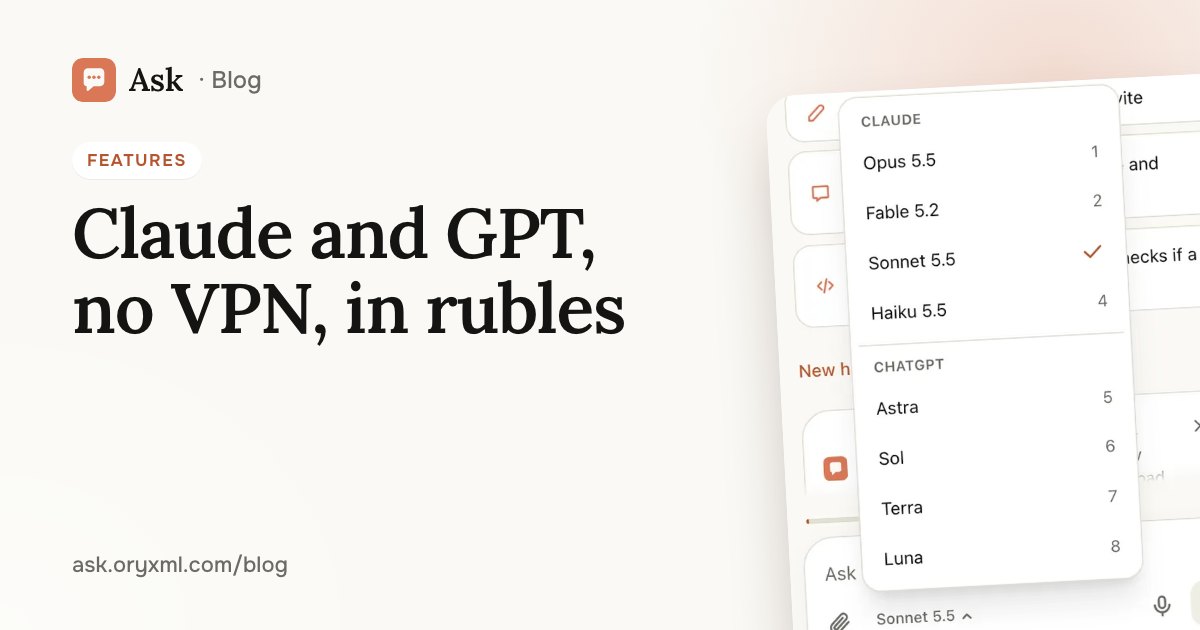
The model menu sits under the message box, with the Claude and GPT / Codex models by name:
| What you need | Models |
|---|---|
| Most questions, writing and code | Sonnet 5.5 (default) |
| A quick, short answer | Haiku 5.5, Luna |
| The hardest tasks (Pro and Max) | Opus 5.5, Fable 5.2, Astra, Sol |
| One more model on Plus | Terra |
Switch at any time, even mid-conversation. If the model you picked is unavailable, Ask hands your question to the next most capable model on your plan, with no error. DeepSeek, Gemini, Grok and others are coming. More in which AI model to pick.
Images, styles and home design
Images (Plus and above): describe what you want, or send a photo and say what to change, then refine it until it's right. It all lives on the Images page.
Styles: 13 looks for a photo of you, your family or your pet — anime film, yellow TV cartoon, 3D cartoon, brick toys, boxed figure, desk figurine, caricature, clay, crochet dolls, 80s yearbook, film camera, colour sweater and felt appliqué. Every plan can try them; bigger plans make more a day. Tips in your photo in any style.
Home Design: photograph a garden, terrace, balcony or room and add a few tape measurements. Ask draws a plan to scale in two styles, with plants and an estimated budget, checks it for safety (door clearances, walkways, railings) and saves it as a PDF. On Plus and above you can see the design drawn on your own photos. Start at Home Design, or read garden and room design from photos.
Presentations and code
Presentations. Ask writes and designs the slides, and you download the deck as PowerPoint or PDF. It can also change the text of an attached PowerPoint or Word file. Step by step in AI presentations.
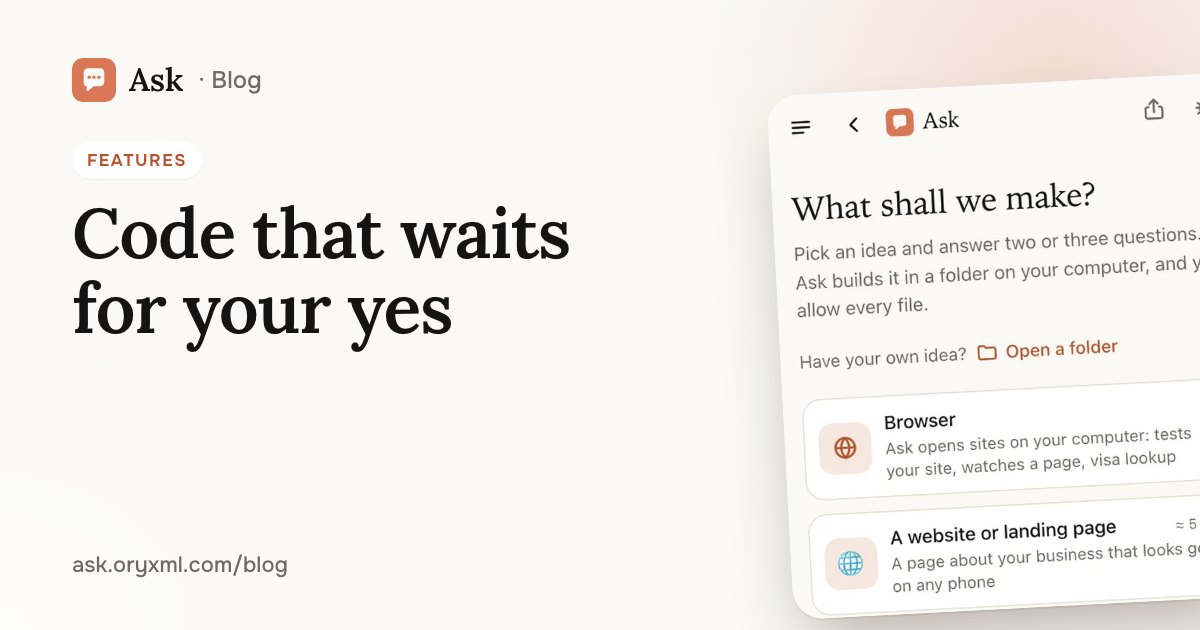
Code (Plus and above). Ask works in a folder on your computer: in Chrome or Edge (the Code screen), or in the terminal on Mac, Windows or Linux — one command installs it, you sign in with a QR code from your phone, and /model switches models. Ask builds sites, landing pages and small tools, or works on your project: reads the code, changes it, runs tests and builds. Every change and every command waits for your yes. More in AI that codes in your folder.
Share, or connect your own programs
- A link to one answer or a whole chat. Send it to anyone; the rest of your chats stays private.
- API keys (Account → API keys): your own programs can ask Ask with the same models and plan. The docs are at
/v1/docs.
Sign-in, privacy and installing
- No password, no email. You sign in with a passkey: Face ID, a fingerprint or your screen lock. A computer signs in with a QR code from your phone, and there's a backup code for a new device.
- Encryption. Chats are encrypted with your own account's key; Code projects and the pictures you make stay on your device. Delete your account in Account, and your chats, keys and usage are erased. More in sign in without a password.
- An app from the website. Install Ask straight from the site, no app store: Android, iPhone and computers. In Russian and English. How to install: AI without a VPN.
Plans, friends, companies and support
Plans: Free (no card), Lite, Plus, Pro and Max, plus a one-time chance to try Max for 3 days. You pay in rubles with a Russian bank card, a month at a time, and it renews only if you turn that on. Usage shows how much of your limits is left, in percent, and when they reset. Prices and what's in each plan are on Plans; how to choose is in Ask's plans explained.
Invite friends (side menu): you get a link. A friend who joins through it gets free questions and 20% off their first month, and you get free questions when they ask their first.
Companies (/b2b): seats on Plus, Pro or Max for a whole team, managed by its admins.
Support: in the app, side menu → Support, or support@ask.oryxml.com. For everything else: info@ask.oryxml.com.
The easiest test: ask Ask the question you've been putting off.
Frequently asked questions
Do I need a VPN to use Ask in Russia?
Can I start for free?
Which AI models does Ask have?
Can I pay in rubles?
Try it on your own task
Your first answer arrives in seconds. No VPN, no password, and there’s a free plan.
Ask for freeKeep reading
AI without a VPN in Russia: Claude and GPT, paid in rubles
How to use Claude and GPT / Codex in Russia without a VPN or a foreign card: open the site, sign in without a password, pay in rubles, install it as an app.
AI that writes code in your folder: sites and tools, no experience
How Ask builds a website, a landing page or a simple tool in a folder on your computer, in the browser or the terminal, with every step waiting for your yes.
How to check a contract with AI: a step-by-step guide
Check a rental, employment, purchase or service contract with AI: what to ask about penalties, termination and hidden payments, and what AI can't replace.