 Ask
AI without a VPN in Russia: Claude and GPT, paid in rubles
Contents
Want to ask an AI, but it won't open without a VPN, wants a foreign card, or asks for an email you never use? In Ask, the Claude and GPT / Codex models work in Russia without a VPN, you pay in rubles, and you sign in with a fingerprint or Face ID. You can start in a minute.
Why AI is such a hassle in Russia
Many AI services from abroad don't open from Russia or don't accept Russian cards. So it becomes a chain: find a VPN that works, keep it on, find a way to pay, and then still wonder why the page won't load again. That takes longer than the question itself.
Ask removes those steps:
- No VPN. The site and the app open from Russia directly.
- Rubles. Plans are paid with a Russian bank card.
- No password, no email. You sign in with a passkey: Face ID, a fingerprint or your screen lock.
- Russian and English. The app speaks both, and you can ask in whatever language suits you.
Start in a minute
- Open ask.oryxml.com in your phone's or computer's browser.
- Sign in with one tap: Face ID, a fingerprint or your screen lock. No password to invent, no email.
- Type your question or say it out loud. You can attach files right away: photos, screenshots, PDFs, Word or Excel — up to 5 a message.
That's it. The Free plan needs no card, so you can try it without paying anything.
Try asking: I need to politely ask my landlord to fix a tap that's been leaking for two weeks. Write a short message I can send.
Try asking: Explain in plain words what this screenshot from my banking app says.
Install Ask as an app
Ask installs straight from the site, no app store. Once installed, it opens from your home screen like any app and can notify you when a long answer is ready.
| Device | How to install |
|---|---|
| Android | Open the site in Chrome → the “⋮” menu → “Install app” or “Add to Home screen” |
| iPhone | Open the site in Safari → Share → “Add to Home Screen” |
| Computer | Open the site in Chrome or Edge → the install icon in the address bar |
Don't want to install anything? Use Ask in the browser: same account, same chats.
The usual doubts
It's sensible to be careful with a new service, especially where AI and payments are involved. Here are the three questions people ask most.
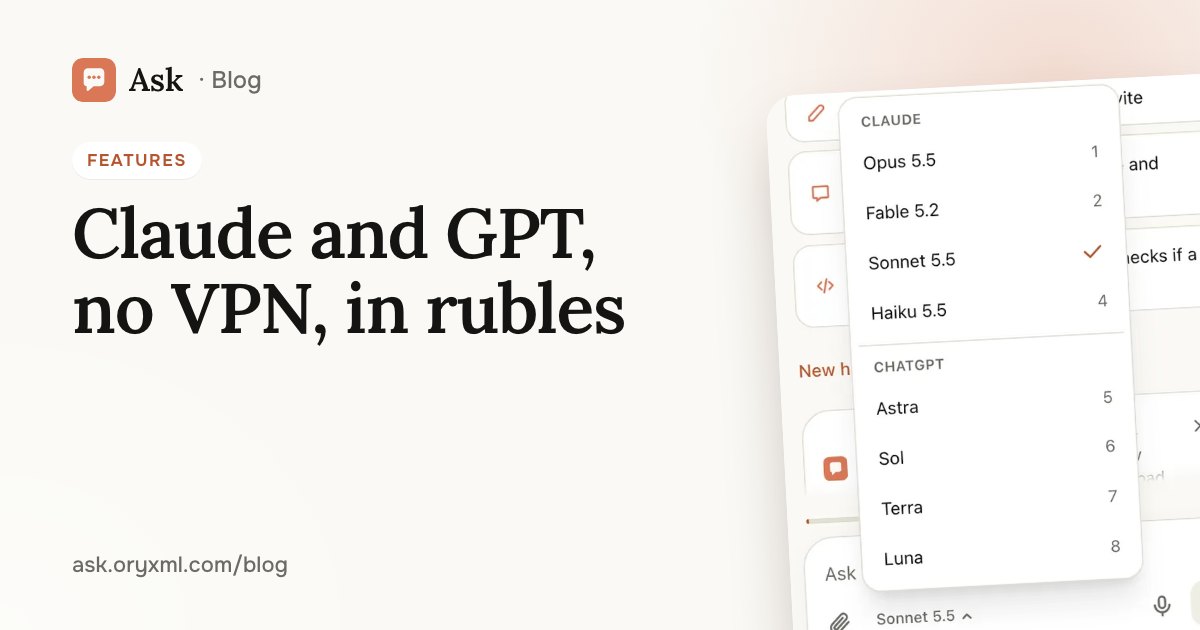
“Are these really the actual models?” Open the model menu under the message box: the Claude and GPT / Codex models are there by name — Sonnet 5.5, Haiku 5.5, Opus 5.5, Fable 5.2, Astra, Sol, Terra and Luna. You choose the model for each question and can switch mid-conversation. If the one you picked is unavailable, Ask hands your question to the next most capable model on your plan, with no error. Which to choose: which AI model to pick.
“Is paying like this okay?” You pay for an Ask plan in rubles with your own Russian bank card, the same way you pay for any online service. No foreign card to set up, no friends abroad to ask, no sending money to strangers. It's a month at a time, and it renews only if you turn that on. What each plan includes: Ask's plans explained and the Plans page.
“Will it work on mobile data?” Ask is a website and an app installed from it, and it needs no VPN on home Wi-Fi or on a mobile network. And while a long answer is being written, you can switch to another chat: it keeps going, and you get a notification when it's ready.
What to try first
Not sure what to ask? Pick something you've been putting off:
- make sense of a contract or a bill from a photo;
- write a letter, a complaint or a birthday message;
- plan the week's meals or a weekend trip;
- explain a school topic to your child.
Try asking: We're going to Kazan for three days in December, two adults and an eight-year-old. Plan a route without long transfers.
For sharper answers, read how to ask AI; for the full list of features, see what Ask can do. And remember that an AI can be wrong: double-check important numbers, dates and legal details.
If something doesn't work
- The site won't open. Refresh the page and check that your phone is online. If that doesn't help, contact support: side menu → Support, or support@ask.oryxml.com.
- New phone. Sign in on the new phone with your backup code; a computer signs in with a QR code from your phone. More in sign in without a password.
- Out of questions for today. Usage shows when your limit resets, and Plans shows what bigger plans give you.
The quickest way to check all of this is to open Ask and ask your first question.
Frequently asked questions
Do I need a VPN to use Ask?
Are these the real Claude and GPT models?
How do I pay with only a Russian card?
Do I need to download an app from a store?
Try it on your own task
Your first answer arrives in seconds. No VPN, no password, and there’s a free plan.
Ask for freeKeep reading
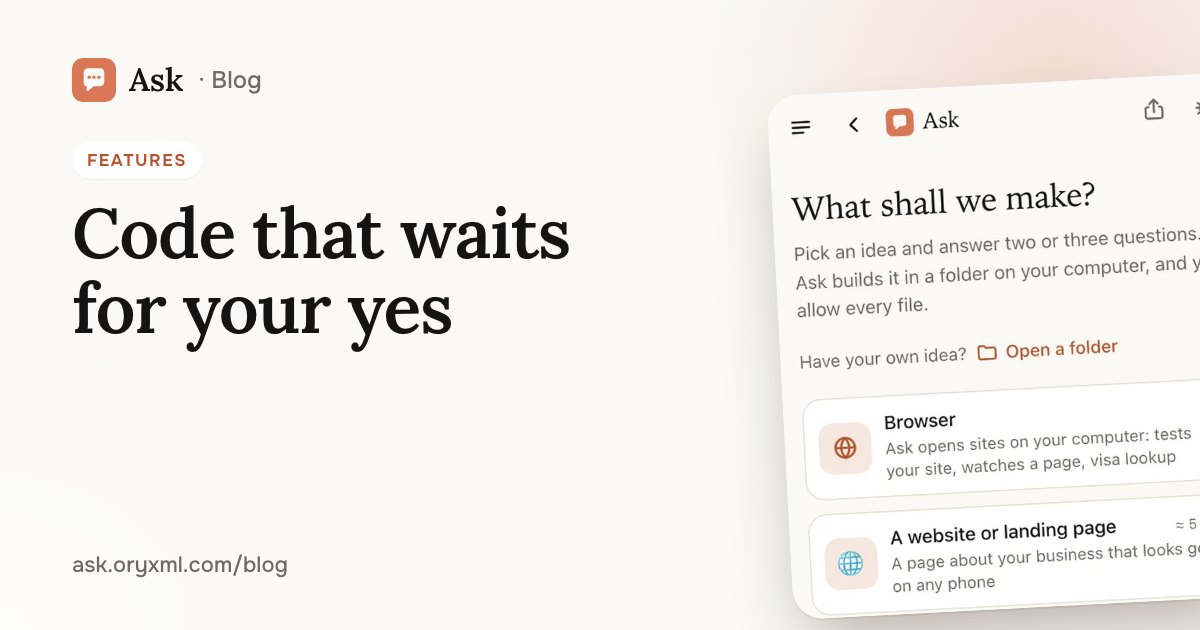
AI that writes code in your folder: sites and tools, no experience
How Ask builds a website, a landing page or a simple tool in a folder on your computer, in the browser or the terminal, with every step waiting for your yes.
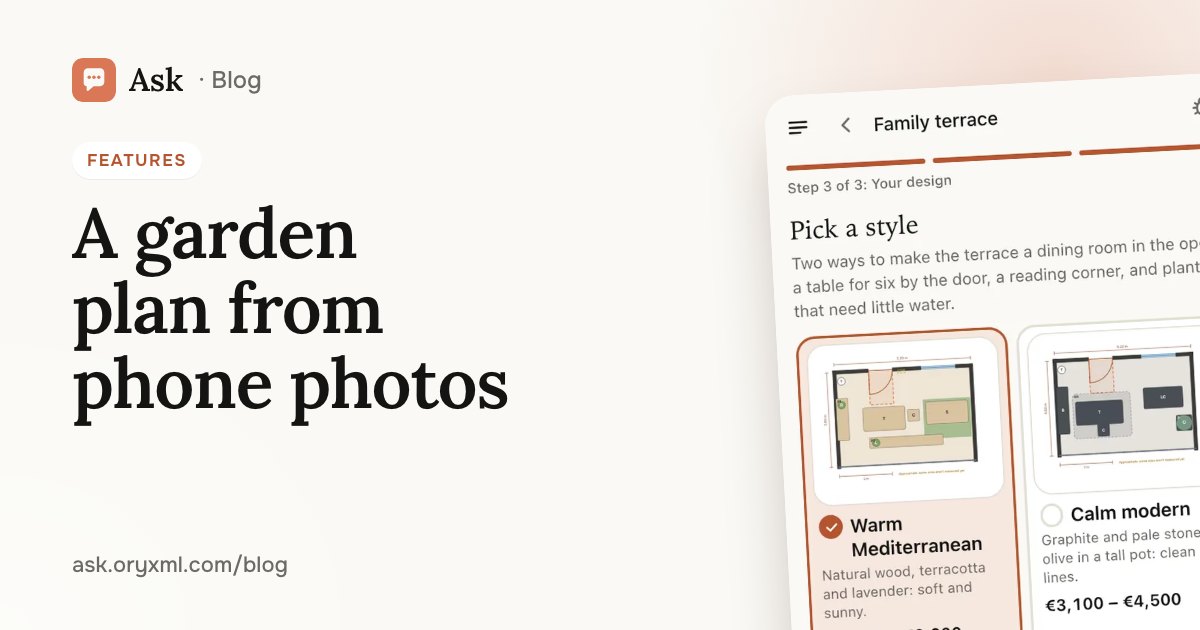
Garden, balcony or room design from photos: a plan made with AI
How to get a plan for a garden, terrace, balcony or room from phone photos and a few tape measurements: what to shoot, what to measure and what you get.
Your photo as anime, clay or a cartoon: 13 styles in Ask
Turn a photo of you, your family or your pet into anime, clay, crochet dolls or a boxed figure: which photo to pick and what each of the 13 styles looks like.