 Ask
AI for small business: product listings, posts and review replies
Contents
In a small business, one person is often the seller, the copywriter and customer support at once. An AI takes on the drafts: product descriptions, posts, review replies, a price list, even a simple website. You keep your time for the things only you can do.
Product listings for Ozon and Wildberries
A good listing answers the buyer's questions before they ask. Give the AI facts, not “make it sound nice”:
- What it is: material, size, weight, what's in the box.
- Who uses it and when.
- How it differs from similar products.
- Common buyer questions from your reviews.
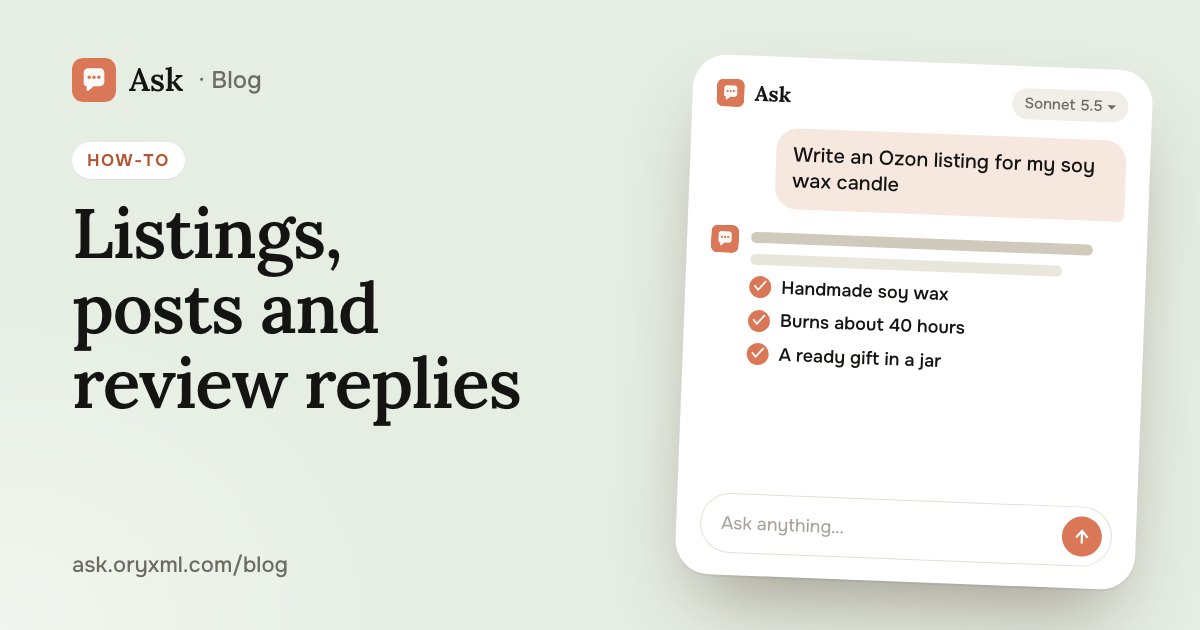
Try asking: Write an Ozon listing: a soy wax candle in a glass jar, 200 ml, fig and cedar scent, burns about 40 hours, cotton wick, handmade. People buy it as a gift. I need a title, a 1000-character description and 5 short selling points as a list.
You can attach product photos and screenshots of competitors' listings and ask what yours is missing. Before publishing, check the marketplace's own rules: length limits, banned words and claims differ between platforms and change.
Posts for VK and Telegram
AI helps with both regularity and ideas.
Try asking: I run a small bakery in Tver with a Telegram channel. Make a 2-week content plan: 3 posts a week. Mix new products, behind the scenes, tips and one promotion. For each, the topic and the opening line.
Then ask for the posts one at a time. Have it suggest two or three headlines, and pick the one that sounds like you. On Plus and above you can make a picture for a post in Images, though real photos of your products usually work better.
Replying to reviews
A rude review at 11 p.m. is when it's easy to snap back. AI helps you reply calmly and to the point.
Try asking: A customer writes: “The candle arrived cracked, never ordering again.” Write a reply from the shop: apologise, offer a replacement or refund, no stock phrases. Short, 3–4 sentences.
The rules of a good reply: thank them, acknowledge the problem, offer a concrete fix and don't argue in public. Reply to good reviews too, just not with identical text. For written complaints from customers, see complaint letters with AI.
A price list and tables
A price list living in your phone's notes can become a neat table.
Try asking: Here's my price list as text (photo). Make a table: service, one-line description, duration, price. Group by category and suggest names for service bundles.
The AI takes prices from your text. Check every line: one wrong price and you'll be explaining yourself to a customer. You can attach a sales spreadsheet and ask what sells best; more in spreadsheets with AI.
A simple landing page
A one-page site with a description, prices and a “Message us” button doesn't need a developer. On Plus and above, Ask's Code builds the site in a folder on your computer: you describe what you need, and every change waits for your yes. More in AI that codes in your folder.
Try asking: Make a landing page for a nail studio: the name, three services with prices, photos of our work, the address with a map, a booking button that opens Telegram. Light style, nothing extra.
Putting the site online is a separate step: you need hosting and a domain. The AI can walk you through it.
A presentation for a partner
Need to pitch your business to a supplier, a shopping centre or an investor? Ask writes and designs the slides, and you download them as PowerPoint or PDF. Give it the numbers, facts and the goal of the meeting; more in AI presentations.
Try asking: Make an 8-slide presentation for a shopping centre manager: my coffee shop wants to open a kiosk by the entrance. Who we are, guests per day at our café, average order, what we offer the centre.
Every number in the deck is yours: the AI mustn't make them up. If it filled in an example, replace it with your real data.
Your own voice, and checking the facts
Customers buy from people. If every text turns smooth and generic, your shop loses its face. So:
- Write in your own voice. Attach a few of your posts and ask it to write the same way.
- Check the facts. Sizes, ingredients, deadlines, prices, delivery terms: check every number yourself.
- Don't overpromise. “Best”, “cures” or “guaranteed” without proof can break advertising law and platform rules. If unsure, ask a lawyer.
- Protect customers' data. Don't send their phone numbers, addresses or names unless you need to.
Some people feel awkward that “it's not me writing”. Think of the AI as an assistant you dictate the idea to: the decisions and the responsibility stay with you.
When more than one person writes, it helps to bring in the team. On the for business page a company gets seats on Plus, Pro or Max, managed by its admins. You can also start on your own, in Ask on your phone.
Frequently asked questions
Can I publish AI-written text without editing it?
How do I make the text sound like me, not a robot?
Can I make a website for my business without a developer?
Can I give my team access to Ask?
Try it on your own task
Your first answer arrives in seconds. No VPN, no password, and there’s a free plan.
Ask for freeKeep reading
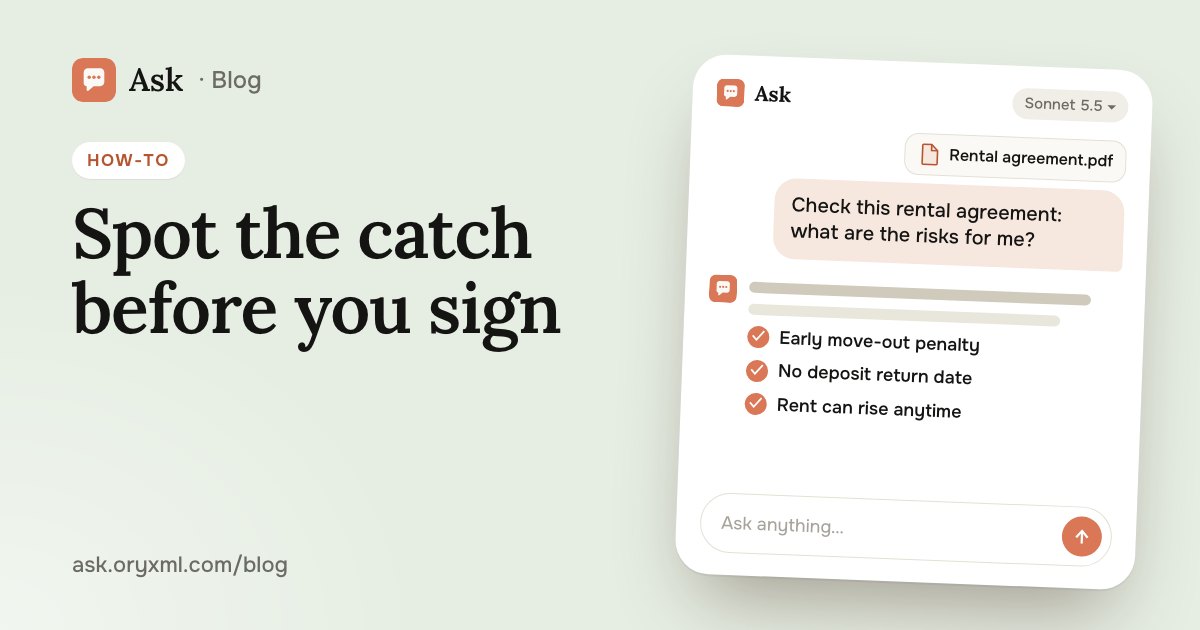
How to check a contract with AI: a step-by-step guide
Check a rental, employment, purchase or service contract with AI: what to ask about penalties, termination and hidden payments, and what AI can't replace.
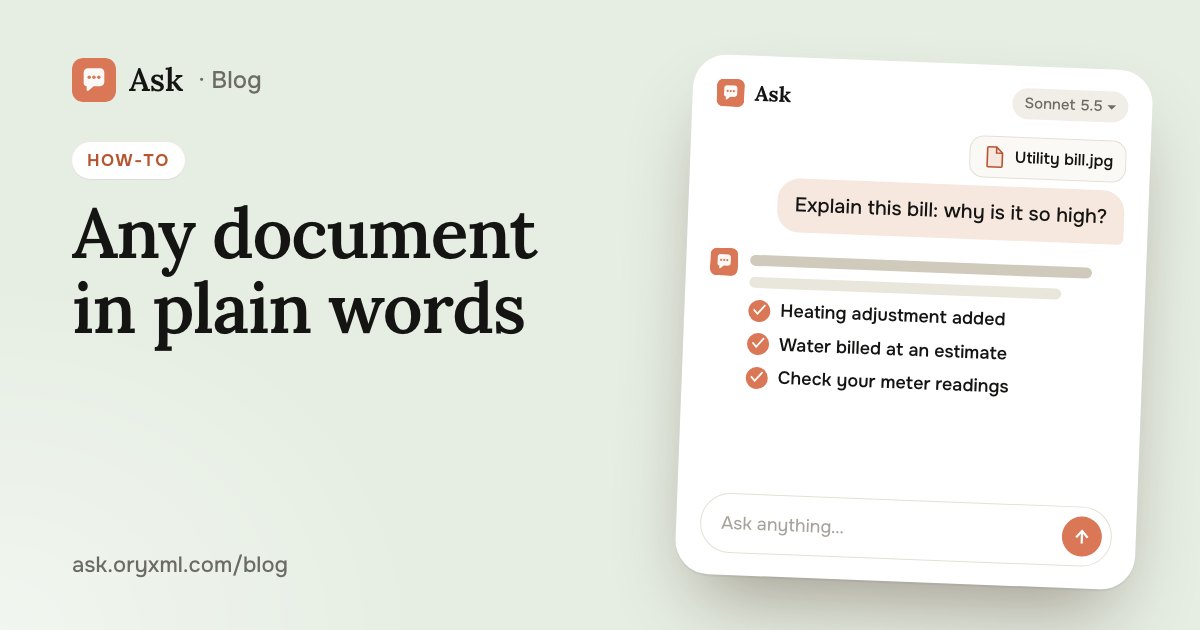
Explain a document from a photo with AI: bills, letters, lab results
Photograph a utility bill, bank statement, manual, official letter or lab results, and AI explains it in plain words. How to shoot it and what to cover first.
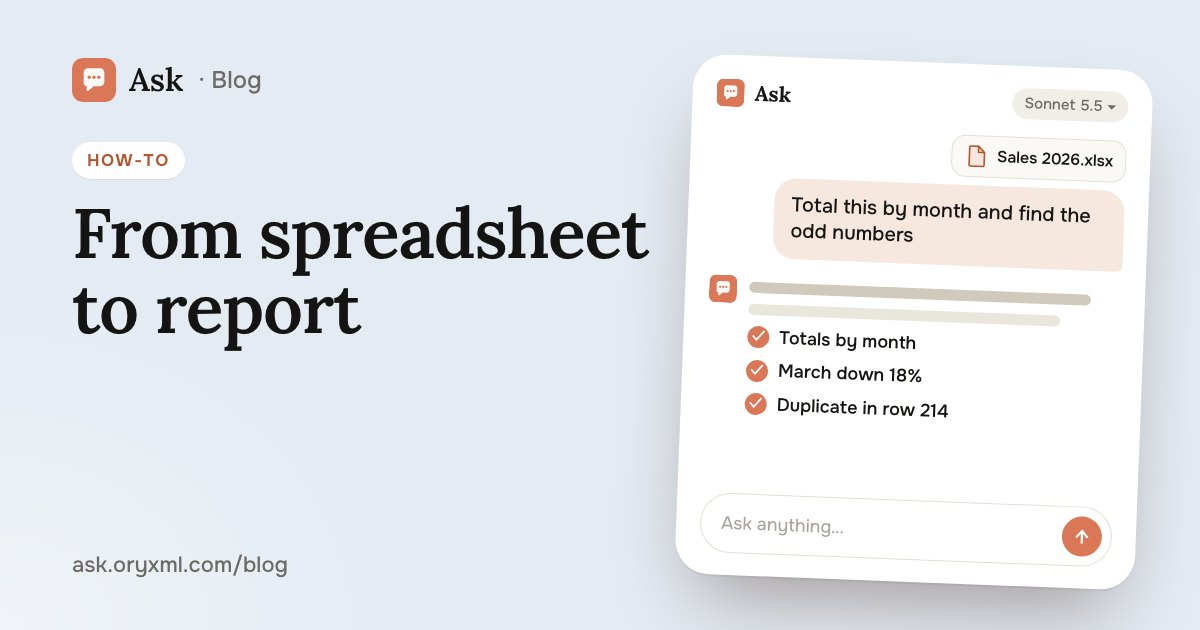
AI for Excel: how to analyse spreadsheets and write reports
Analyse an Excel spreadsheet with AI: totals, trends, outliers, a summary for your boss, VLOOKUP, XLOOKUP and SUMIF explained, data cleaning and what to check.