 Ask
AI for studying: understand a topic and prepare for exams
Contents
An AI can be a tutor that never gets tired or sighs: it explains a topic for the fifth time, makes up practice problems, checks your solution and shows where it went wrong. The key is to use it to understand, not to copy.
Explain a topic in plain words
Textbooks are often written as if you already know everything. Tell the AI your level and what exactly you don't get, and it adjusts.
- Name the topic and your grade or course.
- Say what you already understand and where you're stuck.
- Ask for a real-life example and a short check at the end.
Try asking: I'm in 10th grade. Explain what a derivative is in simple words, using the speed of a car as an example. At the end, ask me 3 questions to check I got it.
If it still doesn't click, say so: “I don't get it, explain it differently”, “explain it with football”, “show me with numbers”. You can also photograph a page of the textbook and ask for it in your own words.
Many people are shy to ask the teacher a third time: it feels like everyone else got it. With an AI there's none of that. Ask as many “silly” questions as you like, nobody rolls their eyes, and you walk into class with a precise question.
Check your solution and find the mistake
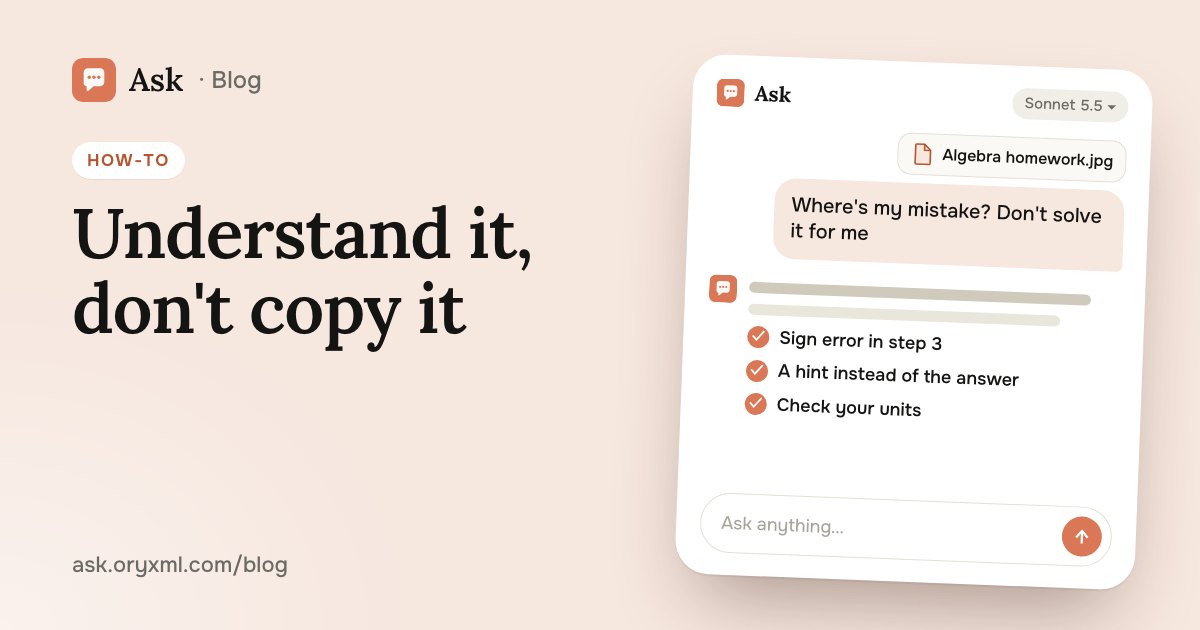
This may be the most useful way of all. Solve the problem yourself, take a photo of your notebook and ask for a review, not the answer.
Try asking: Here's my solution to a physics problem (photo). Don't solve it for me. Tell me which step is wrong and give me a hint so I can fix it myself.
You see exactly where the logic breaks: a flipped sign, a missing unit, the wrong formula. Write clearly and shoot in good light so the digits don't get mixed up.
AI makes mistakes too, especially in long calculations. If its answer differs from the textbook's, ask it to redo the work step by step and check each step yourself. Hard problems are better given to the more capable models; see which model to choose.
Quiz yourself before a test
Rereading notes isn't the same as recalling them. Ask the AI to quiz you: one question at a time, with feedback after each answer.
Try asking: Quiz me on the causes of World War I. Ask one question at a time, wait for my answer, then tell me what was right and what I missed. 10 questions, and at the end tell me what to review.
A quiz like this works best on Ask's paid plans. On the Free plan each question is answered on its own, so ask for the whole list of questions at once, with the answers at the end to check yourself.
Summaries and flashcards
After a topic, it helps to put the essentials on one page.
- Summary: “Summarise this section in half a page: definitions, formulas, one example.”
- Flashcards: “Make 20 question-and-answer flashcards on the cell: the term on one side, a one-line explanation on the other.” Move them into a flashcard app or print them.
- Table: “Compare two characters in a table: age, attitude to love, to society, how their story ends.”
You can attach up to 5 files to one message: photos of pages, a PDF handout, lecture slides. The AI pulls them into one summary. For university exams this works well: first a summary per exam question, then a quiz on each.
A revision plan for exams
The exam is months away, there are many topics, and it's unclear where to start. Tell the AI how much time is left, how many hours a week you can study, and what you find hardest.
Try asking: I'm preparing for my final math exam in 4 months and can study 5 hours a week. Geometry and word problems are my weakest. Make a week-by-week plan that includes reviewing what I've covered.
You get a schedule that's easy to adjust: “move probability to March”, “add a mock exam every two weeks”. Check the exam format and marking against the official sample papers: the AI may not know about the latest changes.
For parents: helping your child
School material fades, and helping with homework can feel awkward. AI helps here too:
- Refresh it yourself. “Remind me how to divide fractions so I can explain it to my 11-year-old.”
- Make practice. “Give me 10 long multiplication problems for 3rd grade, answers separately.”
- Check without giving it away. Photograph the homework and ask the AI to mark the mistakes but not fix them, so your child finds them.
- Explain it for a child. “Explain to a 7-year-old why we have winter.”
Sit next to them rather than handing over the phone with “solve it”. The point is that your child does the thinking and the AI only helps.
Learn, don't copy
The temptation is clear: snap the task, get the answer. But teachers quickly notice text you didn't write: too smooth, someone else's words, none of your usual slips. And in the test and the exam there's no AI beside you; what counts is what stayed in your head.
A simple rule: ask for explanations, hints and checks, not finished solutions. Write the essay yourself and let the AI point out the weak argument. To ask sharper questions, read how to ask AI, and for a class talk try AI presentations.
You can do all of this in Ask on your phone: take a photo, type or say your question, and get an answer in seconds.
Frequently asked questions
Is it OK to use AI for homework?
Can AI get a math problem wrong?
Can AI help me prepare for a big exam?
Can I just take a photo of the textbook problem?
Try it on your own task
Your first answer arrives in seconds. No VPN, no password, and there’s a free plan.
Ask for freeKeep reading
How to check a contract with AI: a step-by-step guide
Check a rental, employment, purchase or service contract with AI: what to ask about penalties, termination and hidden payments, and what AI can't replace.
Explain a document from a photo with AI: bills, letters, lab results
Photograph a utility bill, bank statement, manual, official letter or lab results, and AI explains it in plain words. How to shoot it and what to cover first.
AI for Excel: how to analyse spreadsheets and write reports
Analyse an Excel spreadsheet with AI: totals, trends, outliers, a summary for your boss, VLOOKUP, XLOOKUP and SUMIF explained, data cleaning and what to check.