 Ask
How to write a resume with AI, tailored to the job, in one evening
Contents
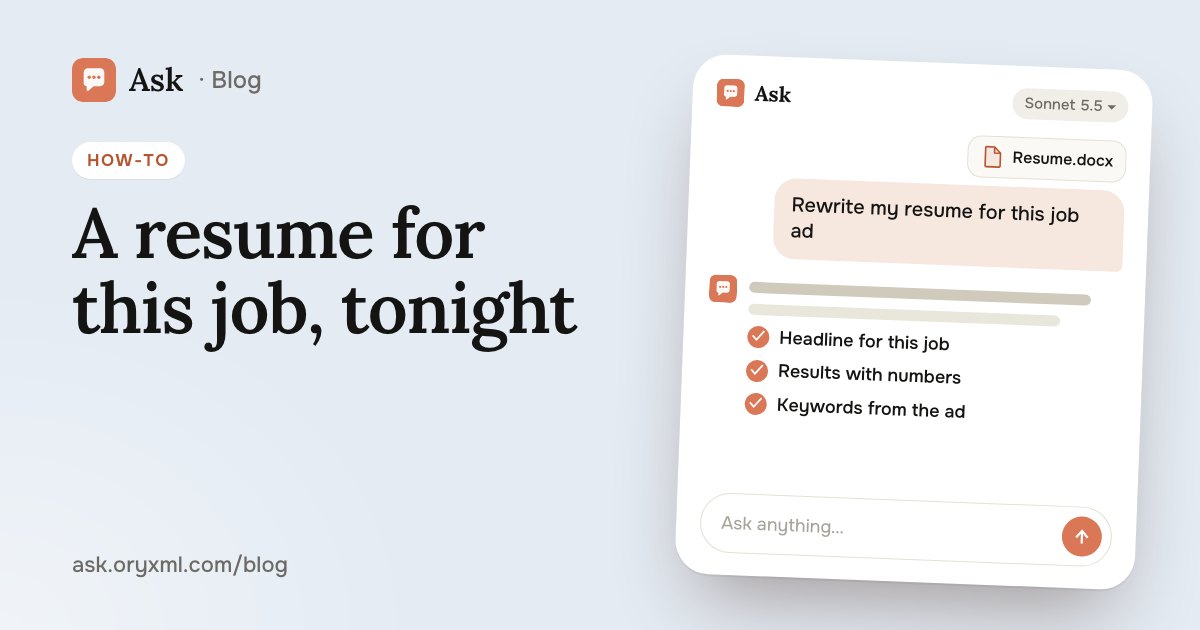
The hardest part of a resume isn't the format, it's the first line: it feels like there's nothing to say, or it's awkward to say it. AI helps you go from scattered notes to a resume for a specific job ad, and your part is to check that every word of it is true.
Step 1. Get everything out of your head
Don't try to write well yet. First you need raw material. Type or dictate everything: where you worked, what you did, what you're proud of, what was hard. A list, typos, any order.
Try asking: Here are my notes about the last 6 years of work, as they are. Ask me 10 questions to pull out concrete results: numbers, timeframes, what changed because of me. One question at a time.
One question at a time works better than a long form: it's easier to answer, and the AI digs into things you wouldn't have remembered. This works best on paid plans. On Free each question is answered on its own, so ask for the whole list at once and answer it in one message.
Step 2. Turn duties into results
The most common resume mistake is a list of duties instead of results. “Worked with clients” describes a job; “kept 40 regular clients through a change of supplier” describes you.
| Before | After |
|---|---|
| Ran the company's social media | Ran three company accounts; in a year, enquiries from social media roughly doubled |
| Was responsible for the warehouse | Sorted out stock records for 1,200 items; stocktake discrepancies became rare |
| Trained new staff | Trained 15 newcomers and wrote the guide every new hire now starts with |
Use only your own numbers. If you don't have an exact one, an honest estimate (“about”, “roughly”) beats invented precision.
Try asking: Rewrite my duties as achievements. Where numbers are missing, don't make them up: ask me what could be counted.
Step 3. Tailor it to the job ad
An employer, and often screening software, looks for the words from the job ad. One resume for everything loses to one matched to the listing.
- Copy the whole job ad: duties, requirements, conditions.
- Attach your resume as Word or PDF, or paste the text.
- Ask for a comparison.
Try asking: Here's the job ad and my resume. Compare them: which requirements I meet, which I don't, which achievements to move up. Rewrite my headline and summary for this job without adding anything that isn't in my resume.
Try asking: Which keywords from the ad are missing from my resume, even though my experience fits them?
Keep one full master version, and for each job change the headline, the first lines and the order of the points. Minutes instead of an hour.
Little experience, or changing careers
It can feel like a resume without years of experience will be empty. It won't: employers care what you can do, not exactly where you learned it. Tell the AI about your studies, your thesis, internships, side jobs, volunteering and your own projects.
Try asking: I worked as a salon administrator for 8 years and now want to move into account management. Which of my skills carry over? Help me describe them in the language of the new job without exaggerating.
When changing careers, a short block at the top works well: what role you want, why, and what from your past helps. The recruiter sees the logic straight away instead of a random list of jobs.
The cover letter
A short, three-paragraph letter often decides whether the resume gets opened at all:
- why this company and this role;
- one or two results that directly answer the requirements;
- readiness to talk, without fawning.
Try asking: Write a cover letter for this job, under 120 words, businesslike but human. Use only facts from my resume. No phrases like “I'm a team player”.
Read it out loud. If a sentence sounds like something you'd never say, rewrite it in your own words.
Common mistakes
- Too long. One or two pages is usually enough. Ask the AI to shorten it without losing results.
- Empty adjectives. “Responsible, hard-working, a good communicator” is on every resume. An example from work is more convincing.
- Old experience first. Put what's recent and relevant to the job at the top.
- Typos. Ask for a separate proofreading pass at the end.
- A resume you don't recognise. If the text is smooth but isn't yours, it will show at the interview.
Try asking: Read my resume as a recruiter who spends 30 seconds on it. What do they see first, what do they miss, and what raises questions?
The main rule: invent nothing
AI is good with words, and sometimes it fills in things that never happened: a skill, a number, a title. Reread every line and ask yourself: could I talk about this in detail at an interview? If not, take it out. Made-up experience comes out at the first follow-up question, and an honest resume with clear results works better.
Once your resume is ready, move on to job interview practice with AI. For an official letter to an employer, see complaint and official letters with AI, and for sharper requests in general, how to ask AI.
Frequently asked questions
Will an employer notice that AI wrote my resume?
Can I upload my old resume as a file?
Do I need a separate resume for every job?
What if I have little or no experience?
Try it on your own task
Your first answer arrives in seconds. No VPN, no password, and there’s a free plan.
Ask for freeKeep reading
How to check a contract with AI: a step-by-step guide
Check a rental, employment, purchase or service contract with AI: what to ask about penalties, termination and hidden payments, and what AI can't replace.
Explain a document from a photo with AI: bills, letters, lab results
Photograph a utility bill, bank statement, manual, official letter or lab results, and AI explains it in plain words. How to shoot it and what to cover first.
AI for Excel: how to analyse spreadsheets and write reports
Analyse an Excel spreadsheet with AI: totals, trends, outliers, a summary for your boss, VLOOKUP, XLOOKUP and SUMIF explained, data cleaning and what to check.